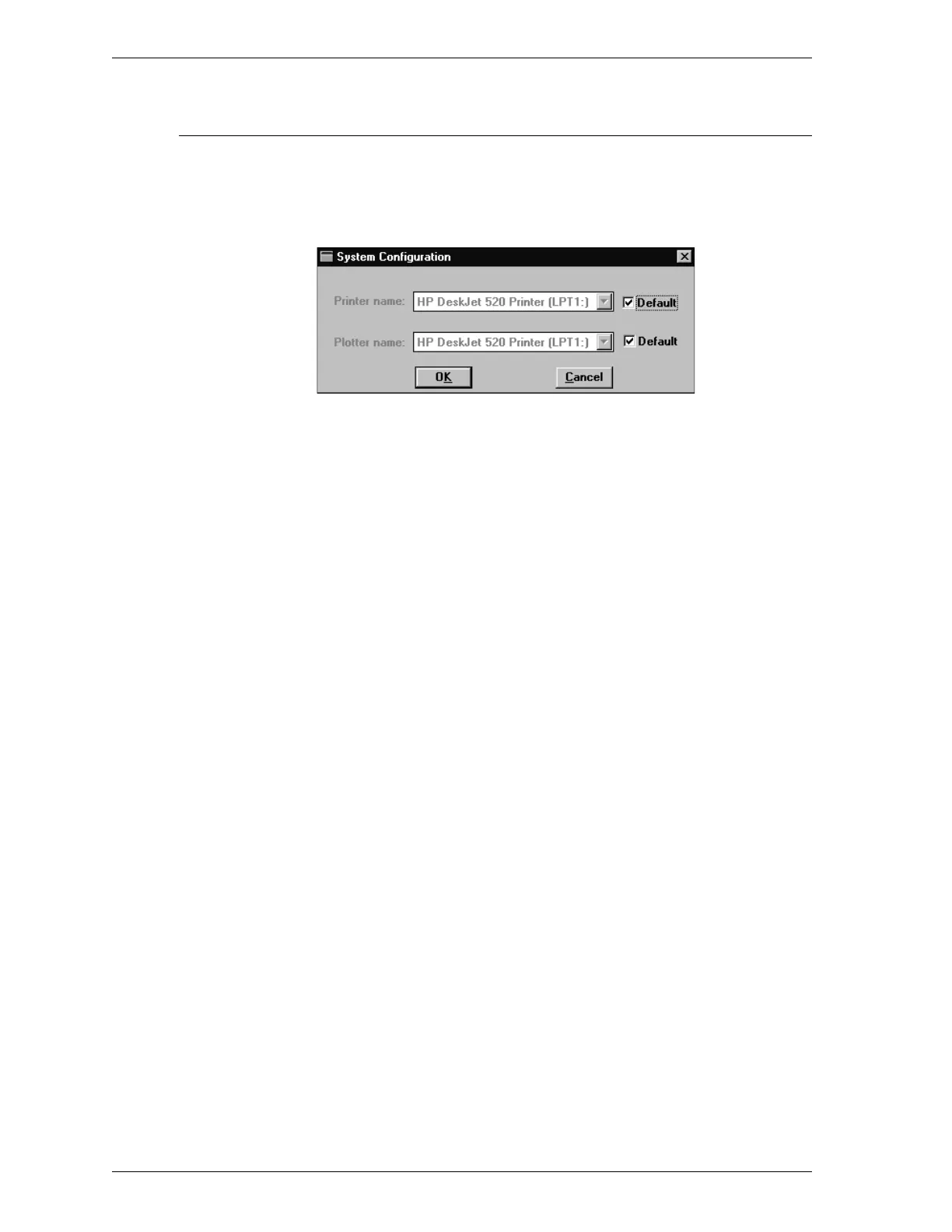
System Configuration
This option allows you to specify the printer to be used for reports. When you se-
lect this option, the following dialog box is displayed.
Printer name The printer names are shown as they appear in
the Operating System Print Manger.
Select Default if you wish to use the default
printer as designated in the Print Manager.
If you wish to use another printer, click on
Default to remove the checkmark. Then choose an-
other printer from the drop-down list.
Plotter A plotter is not used with the SmartPrep 065.
Options Menu SmartPrep
3-36 Aug 98











 To Next Page