Installing the SmartPrep 065 Program
1. Insert the SmartPrep 065 (Standalone) diskette labeled Disk 1 into a diskette
drive.
2. Choose one of the following:
If... Then...
You are using Windows
3.1 or later:
Select File from the Windows Program Manager.
Select Run from the File manu.
You are using Windows
95:
Select Start from the Status bar.
Select Run from the Start menu.
3. Enter the name of the drive designator, followed by setup. For example:
a:setup
4.
Select ; several informational screens are displayed. On any of these
screens, you may select to terminate the installation process or
to return to the previous screen.
You may terminate the installation at any time by selecting . If you
do so, you must start the program from the beginning to install SmartPrep
065.
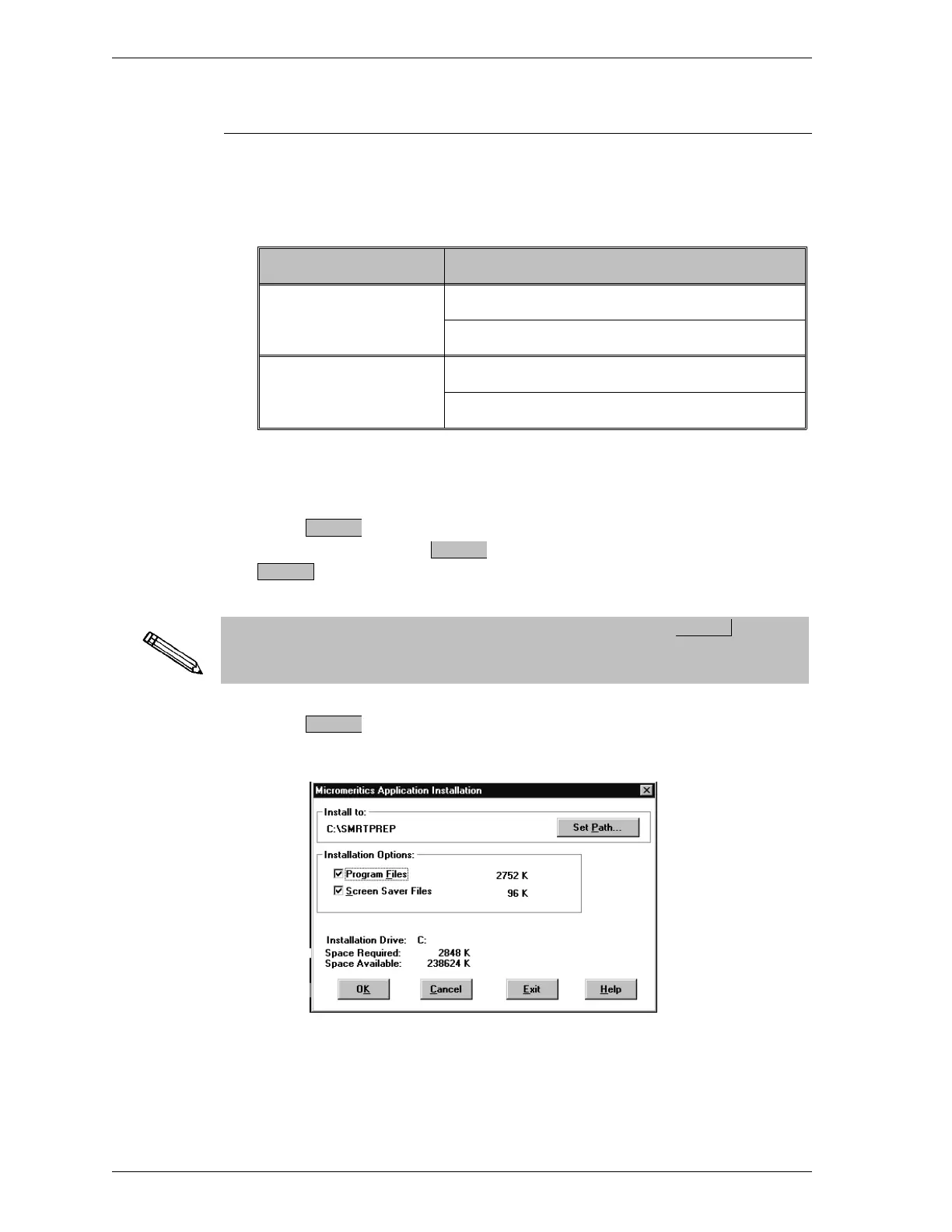
5.
Select ; a screen is displayed so that you may select installation
options.
OK
Exit
Cancel
Exit
OK
Installation SmartPrep
1-10 Sep 98











 To Next Page