List
List enables you to generate a listing of the following information for a selected
file. You may view, print, or store the listing in a file.
•
File name
•
Date the file was created (or last edited)
•
Time the file was created (or last edited)
•
File identification
•
File status
When you select File, List from the main menu, two choices are displayed:
Sample information and Degas conditions. Select the type of file you wish to list.
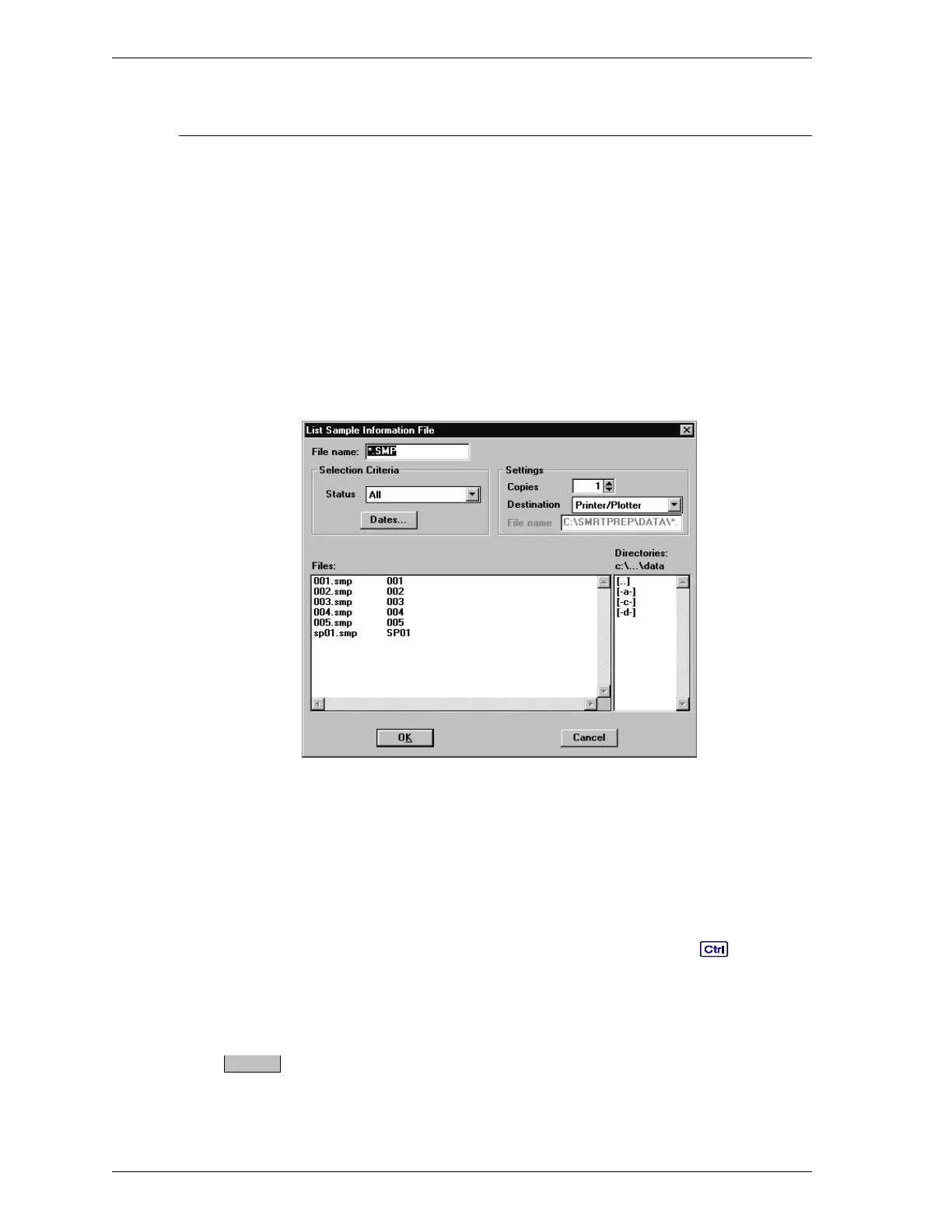
A dialog box similar to the following is displayed.
File name: If you select only one file from the Files: list
box, the name is copied to this field. If you select
multiple files, the last one you selected is dis-
played in this field.
To select a file, highlight the file name.
To select multiple files, hold down while se-
lecting files. If no files are selected, a list is gener-
ated for all files.
Status
Files:
Directories
Refer to Open in this chapter for a description of
these list boxes.
Dates
File Menu SmartPrep
3-14 Aug 98











 To Next Page