Menu Structure
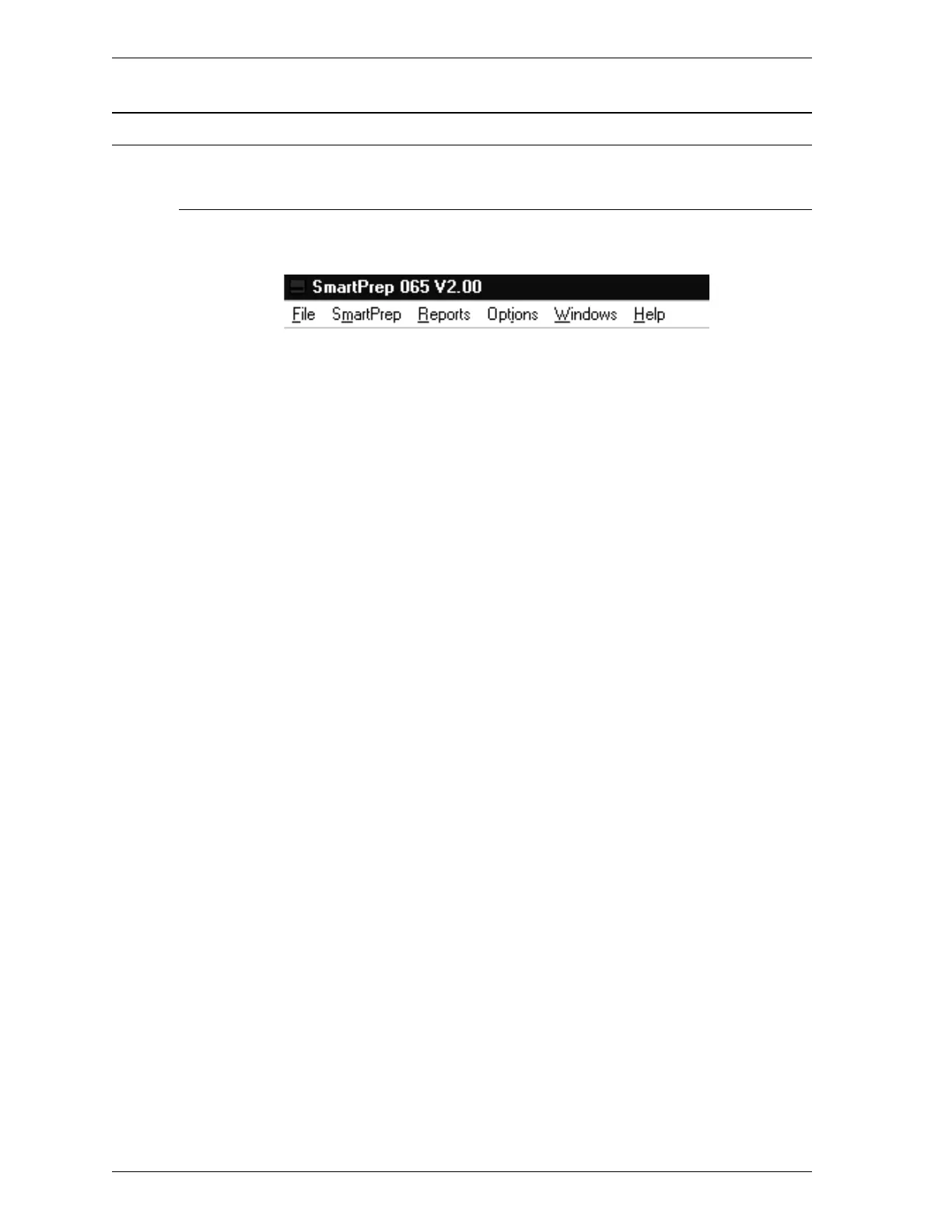
Main Menu
All the functions in the SmartPrep 065 program are accessed from the Main
Menu. Brief descriptions of the functions are provided below. Refer to the chap-
ter given in parentheses for a detailed description of the functions contained in
that menu.
File Allows you to manage sample information and de-
gas conditions files. (Chapter 3)
SmartPrep Allows you to start a degas operation, monitor a
degas operation, and display the system
configuration. (Chapter 3)
Reports Allows you to start and cancel reports. (Chapter 3)
Options Allows you to edit sample defaults, select data
presentation formats, and specify the printer to be
used for reports. (Chapter 3)
Windows Enables you to arrange the windows and icons on
your screen. Also displays the names of all open
windows. (This chapter)
Help Displays information about the SmartPrep 065
program. (This chapter)
Menu Structure SmartPrep
2-4 Aug 98











 To Next Page