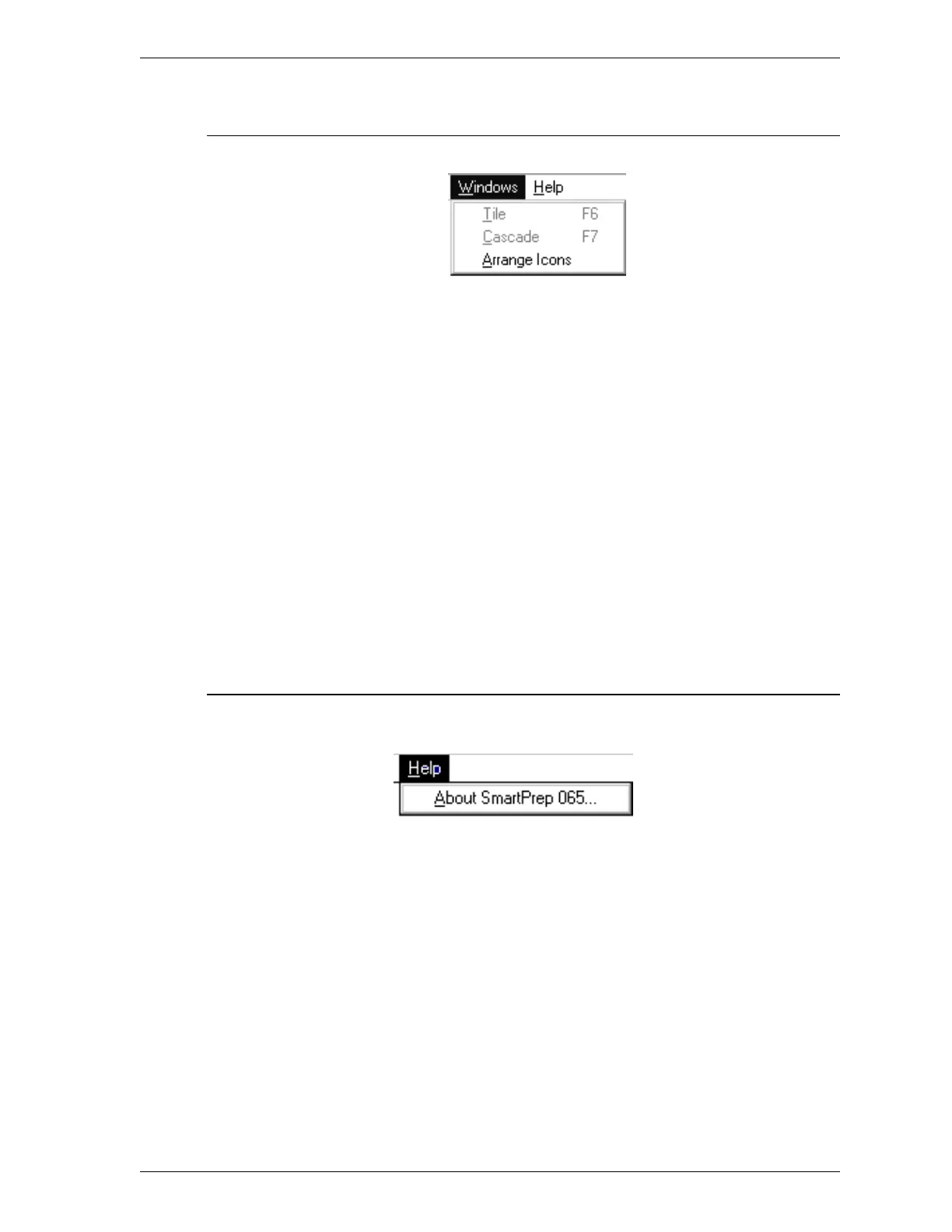
Windows Menu
The choices on this menu allow you to arrange your open windows and icons.
Tile Resizes all open windows and arranges them side
by side.
Cascade Resizes all open windows and arranges them in a
stacked fashion. The active window is positioned
on top of the stack.
Arrange Icons Arranges all minimized icons in an orderly
manner.
The Windows menu also displays a list of all open files.
Help Menu
About SmartPrep 065 Displays information about the SmartPrep 065
program.
SmartPrep Menu Structure
Sep 98 2-5











 To Next Page