Advanced Functions
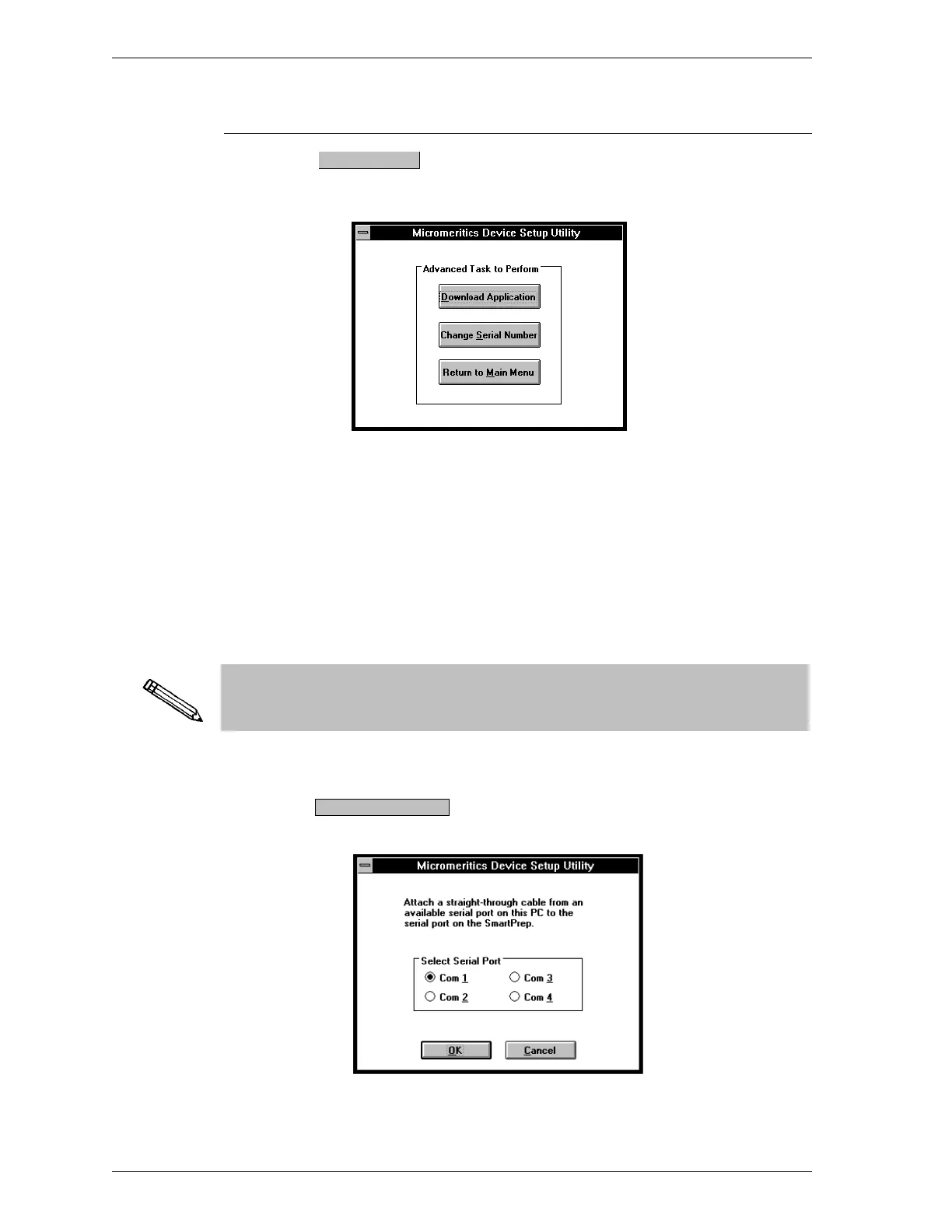
If you select from the initial Setup utility, the following dialog is
displayed:
Advanced functions consist of:
•
Download Application: used to install an update of the software resi-
dent in the SmartPrep. The initial download is performed at the factory.
•
Change Serial Number: This option is used to enter the SmartPrep se-
rial number into your system and is performed at the factory before ship-
ment. Therefore, you will not have to use this option.
Advanced functions operate only on the SmartPrep connected to the control
module’s serial port. If you have more than one SmartPrep in your system,
you must perform the following steps for each SmartPrep.
1.
Choose ; the following dialog box is displayed.
Advanced
Download Application
Installation SmartPrep
1-14 Sep 98











 To Next Page