6.
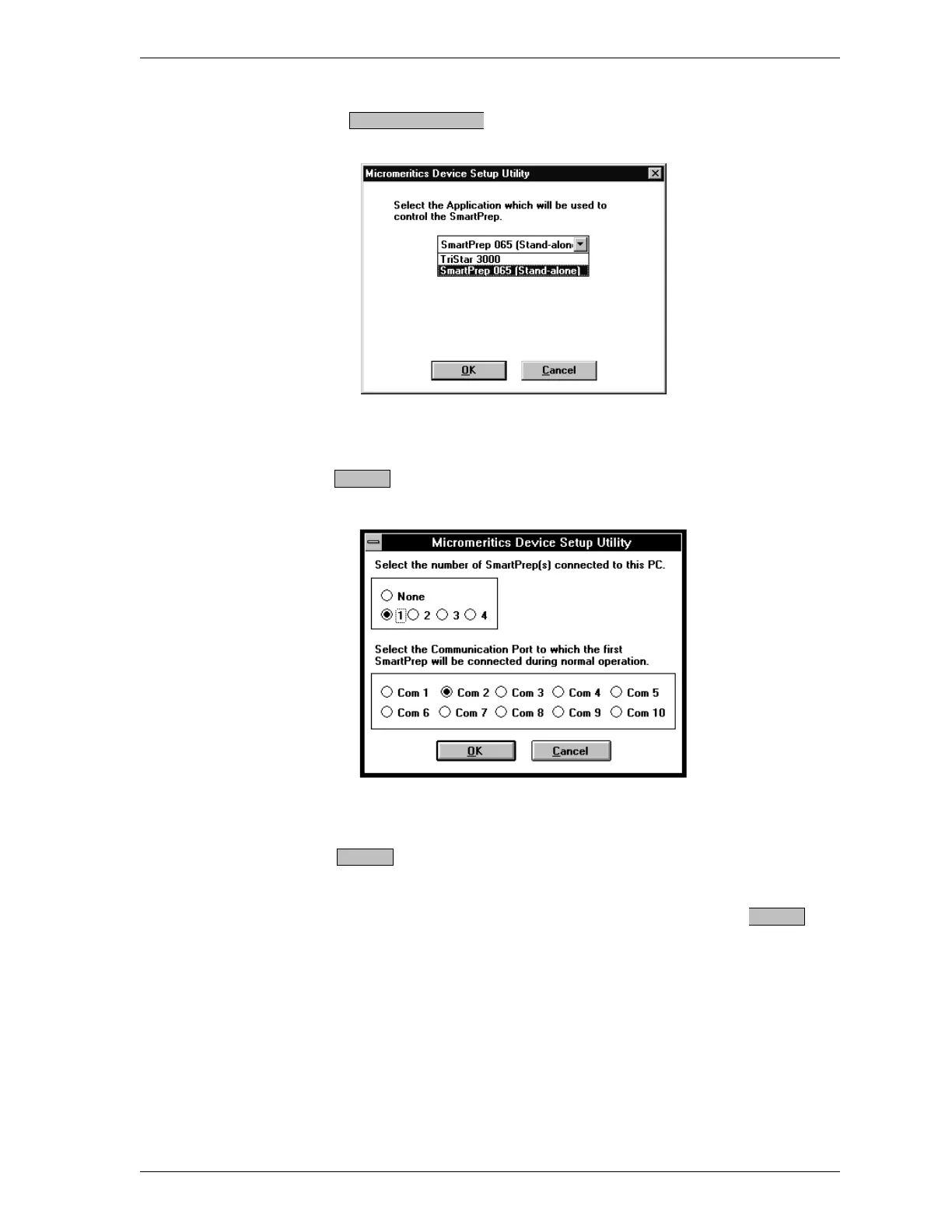
Choose ; the following dialog box is displayed.
7. Select the application which will be used to control the SmartPrep.
8.
Press ; the following dialog box is displayed.
9. Select the number of SmartPrep units connected to the control module and
the communication port to which the first SmartPrep is connected, then
select .
10. After the configuration process is complete, a message is displayed inform-
ing you that the process has been successfully completed. Select to
close the dialog box.
Configure Device
OK
OK
OK
SmartPrep Installation
Sep 98 1-13











 To Next Page