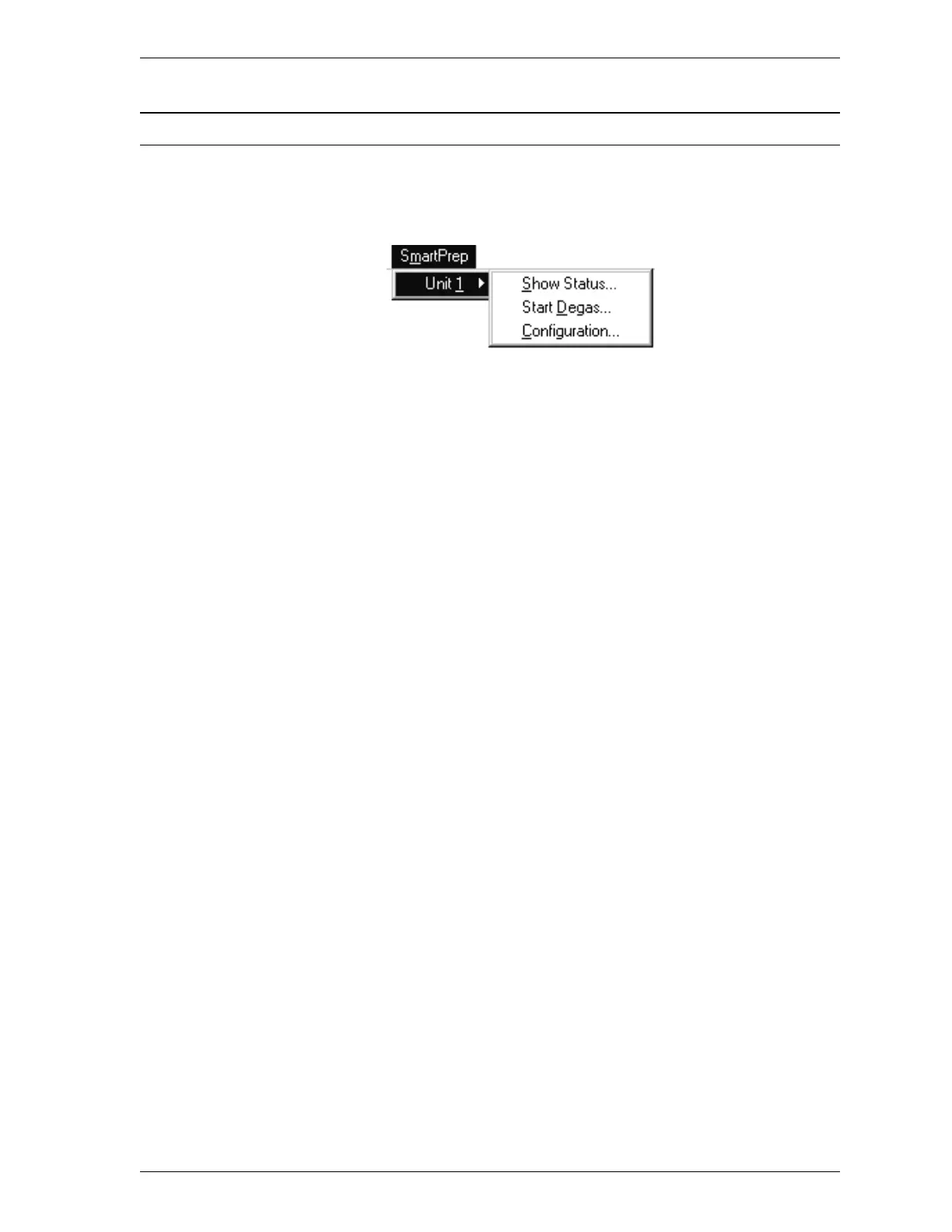
SmartPrep Menu
The SmartPrep menu contains options which allow you to start degas operations,
monitor the status of degas operations, and view the system configuration.
Listed below are brief descriptions of the SmartPrep menu options. Detailed de-
scriptions follow this section.
Unit The number of SmartPreps in your system (as de-
fined during setup) is displayed on a drop-down
menu.
Select the unit you wish to use.
Show Status Enables you to monitor degas operations and stop
gas flow after samples are degassed.
Start Degas Enables you to start an automatic degas operation.
Configuration Enables you to display the SmartPrep
configuration.
SmartPrep SmartPrep Menu
Aug 98 3-17











 To Next Page