TriStar 3000, ASAP 2000, and ASAP 2010 Sample Tubes
Adapters for these sample tubes are included as a standard accessory with the
SmartPrep. Additional adapters may be ordered if needed (refer to Chapter 5 for
ordering information).
Sample tubes and heating station adapters may be very hot. Wear the
proper gloves and hold the sample tube by the upper part of its stem.
Hold the isothermal type of adapter by its handle. Failure to observe
these precautions may result in severe burns.
Do not place your fingers inside the heating stations; the stations may be
hot enough to cause burns.
Inserting Adapters
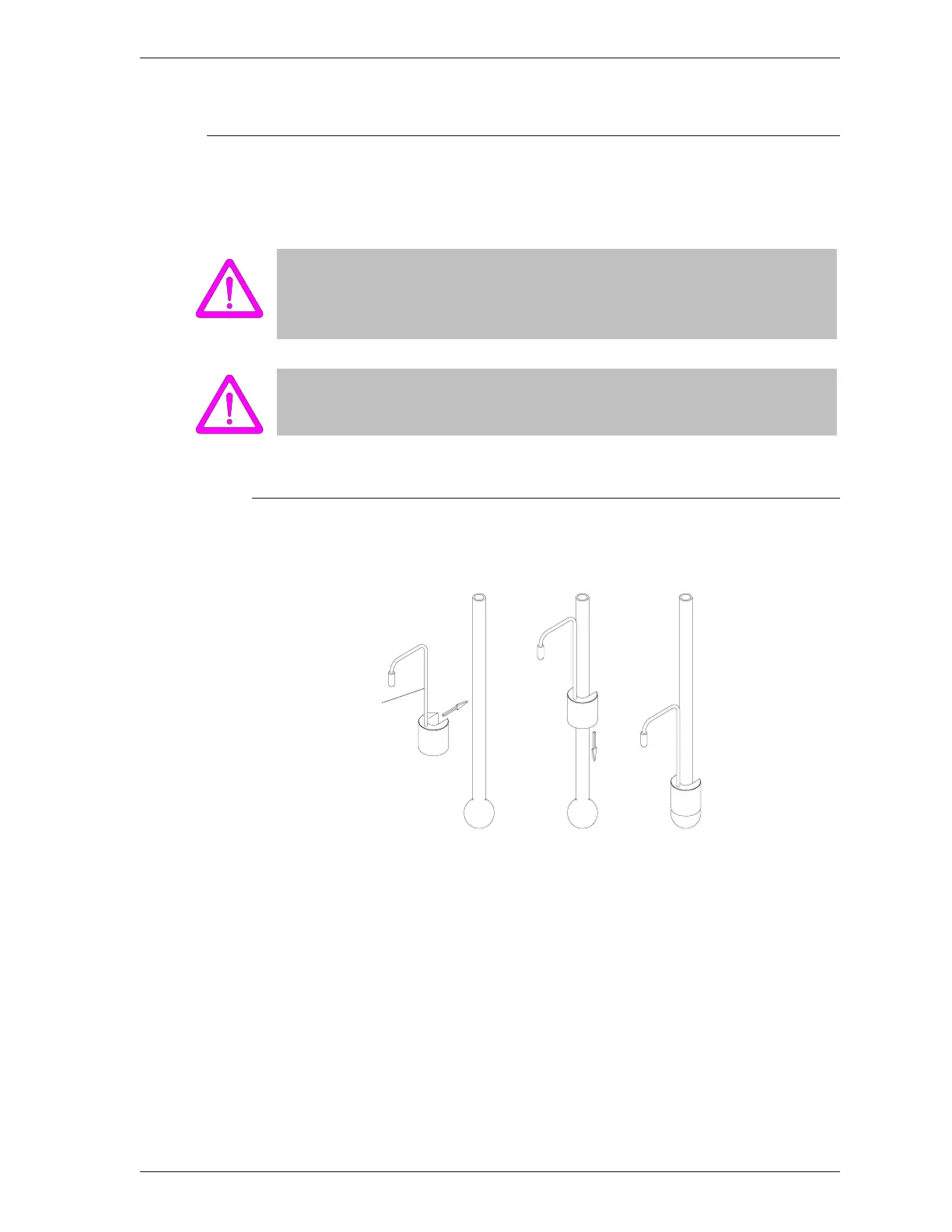
1. Place the adapter over the sample tube.
Figure 2-8. Placing Adapter on Sample Tube
2. Place the gas delivery tube in the sample tube (refer to Inserting Gas Deliv-
ery Tubes in Samples Tubes in this chapter).
Adapter Handle
SmartPrep Inserting and Removing Heating Station Adapters
Sep 98 2-17











 To Next Page