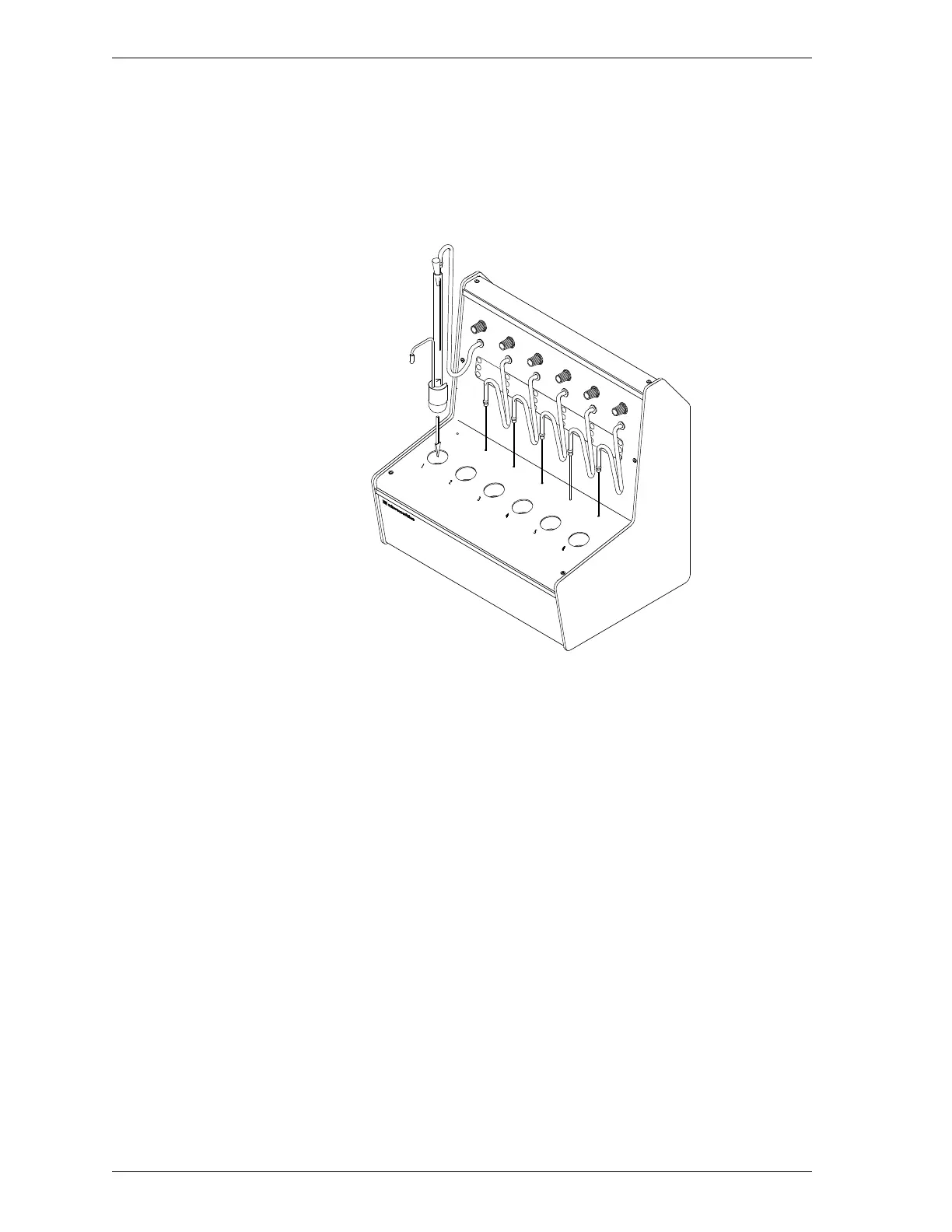
3. Hold the adapter handle and sample tube stem and place the sample tube
and adapter in the heating station.
Alternately, you may insert the sample tube in the heating station, then place
the adapter over the sample tube in the station.
Figure 2-9. Inserting Adapter used with TriStar 3000 and
ASAP 2000/ 2010 Sample Tubes
Inserting and Removing Heating Station Adapters SmartPrep
2-18 Aug 98











 To Next Page