Sample Defaults
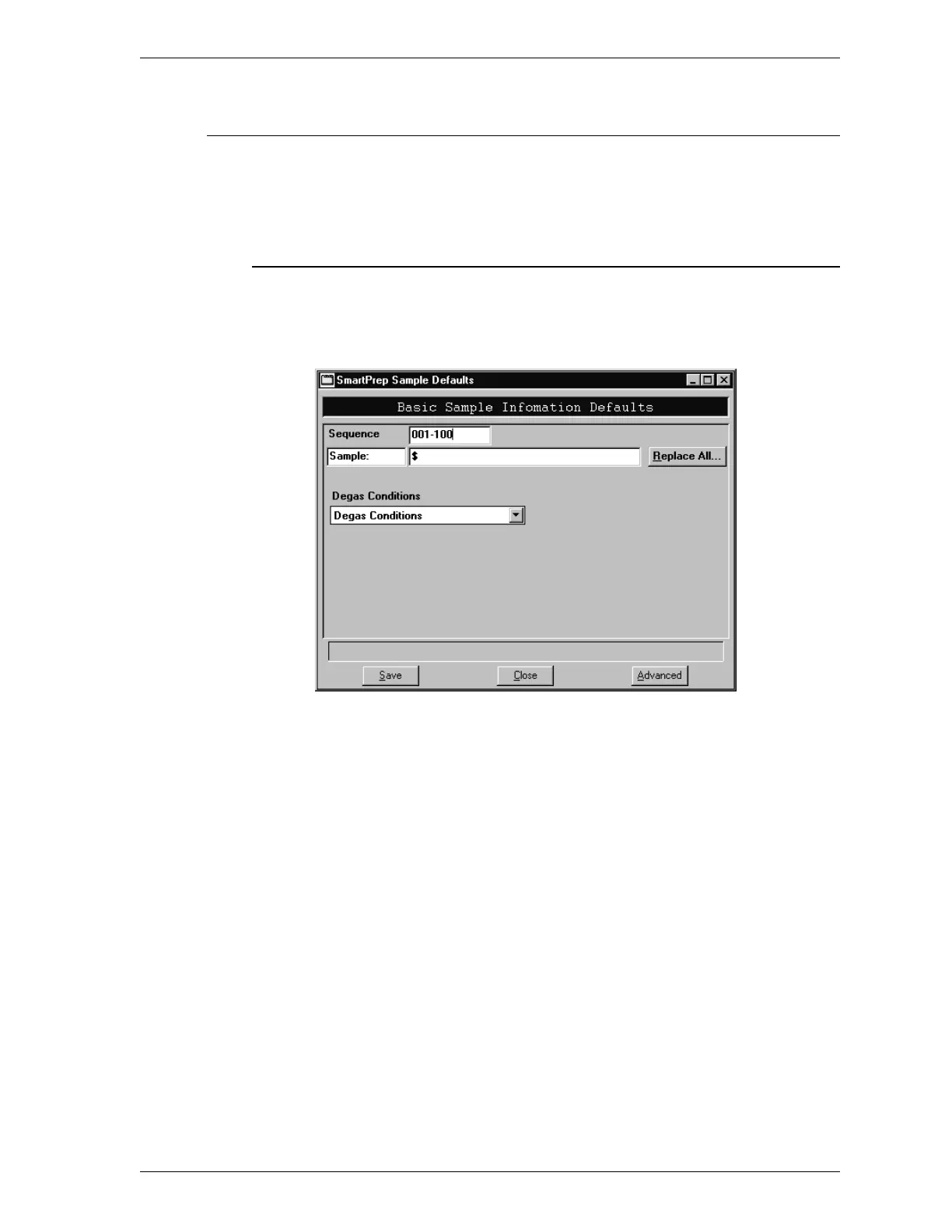
The Sample Defaults option enables you to enter default values for sample infor-
mation files in Basic and Advanced formats and for degas conditions files.
Basic Format
When you select Sample Defaults while in the Basic format, the following dialog
box is displayed.
Sequence Enter a default sequence number (or name) for
sample information files. This is the name that ap-
pears in the File name: field when you select
File, Open, Sample Information. The name you
specify is incremented each time you create a sam-
ple information file.
The sequence number or name may include up to
eight alphanumeric characters and must include at
least three numbers.
DOS prohibits the use of wildcard characters such
as * or ?.
SmartPrep Options Menu
Aug 98 3-29











 To Next Page