Configuration
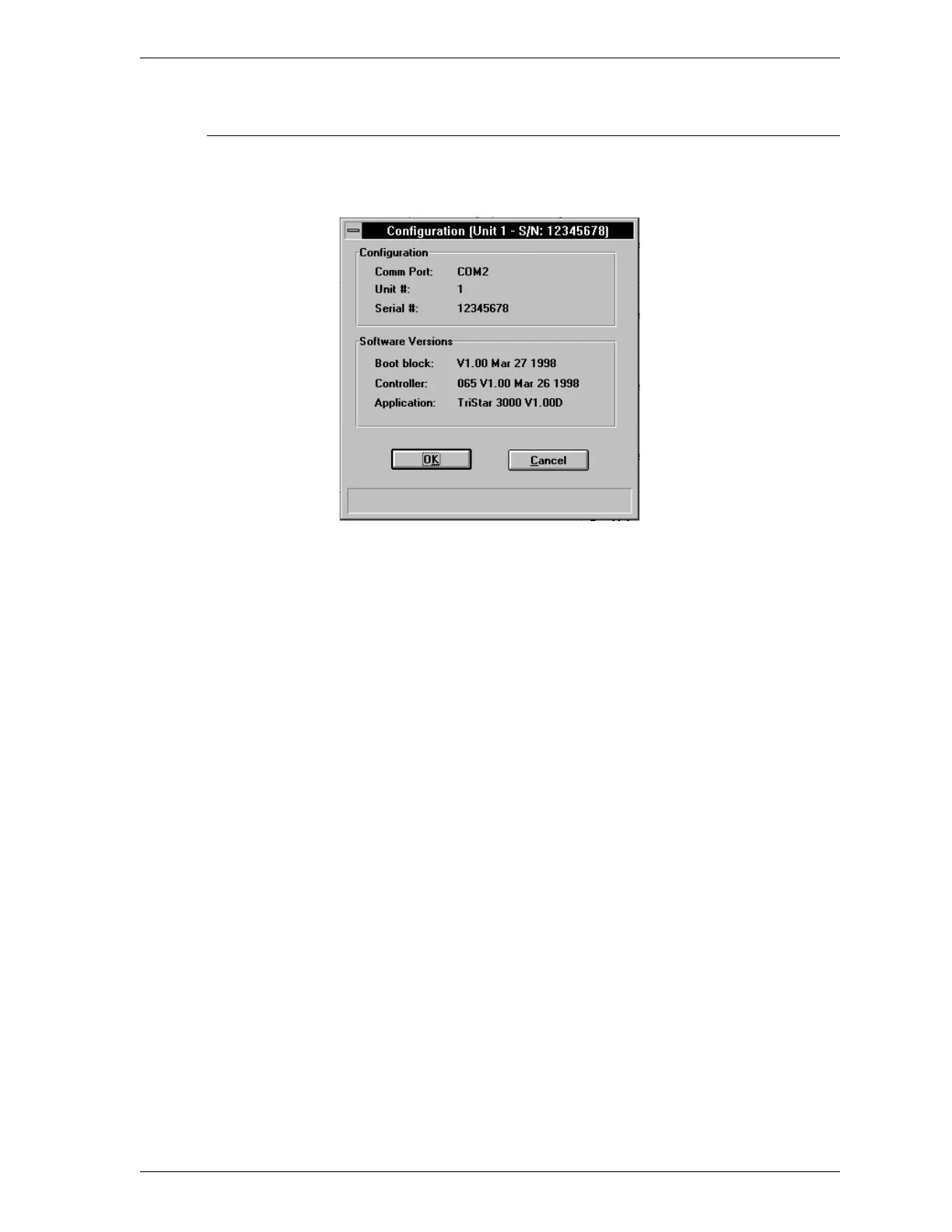
The Configuration dialog box enables you to view the SmartPrep configuration.
Configuration Displays the number of the port (Comm Port) cur-
rently used to control the analyzer, the SmartPrep
unit number, and the serial number of the selected
analyzer.
Software Version Displays the software versions of the software
components in the system.
SmartPrep SmartPrep Menu
Aug 98 3-21











 To Next Page