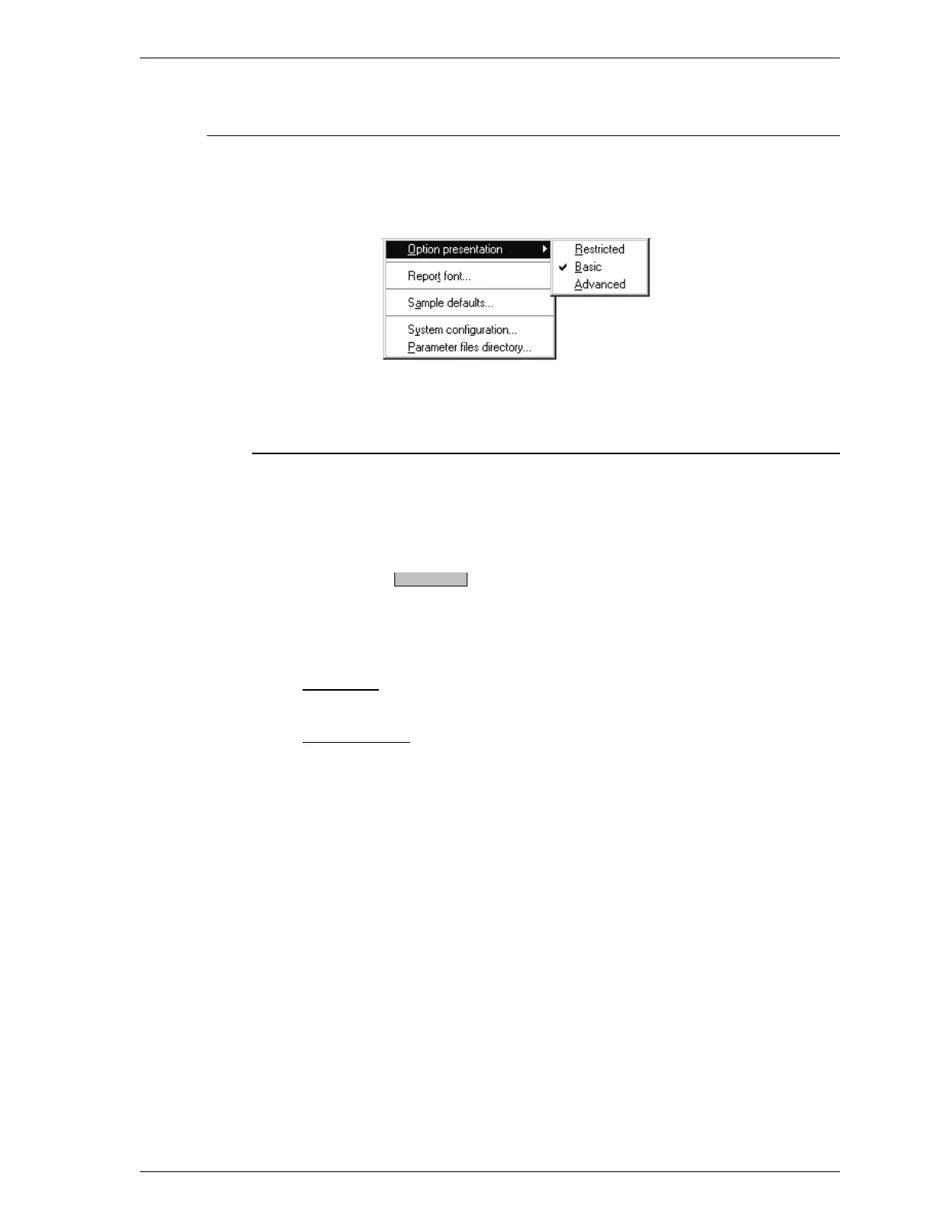
Option Presentation
The Option Presentation dialog box enables you to display sample information in
one of three formats: Restricted, Basic, or Advanced.
Restricted
Restricted format:
•
Displays the Basic format dialog box (refer to Basic on the following
page).
•
Disables the push button, thus restricting users from switching
to Advanced format and editing parameters.
•
Disables the following options:
File Menu
Open degas conditions file
Options Menu
Data presentation
Sample defaults
Parameters files directory
Advanced.
SmartPrep Options Menu
Aug 98 3-25











 To Next Page