Performing a Manual Degas Operation
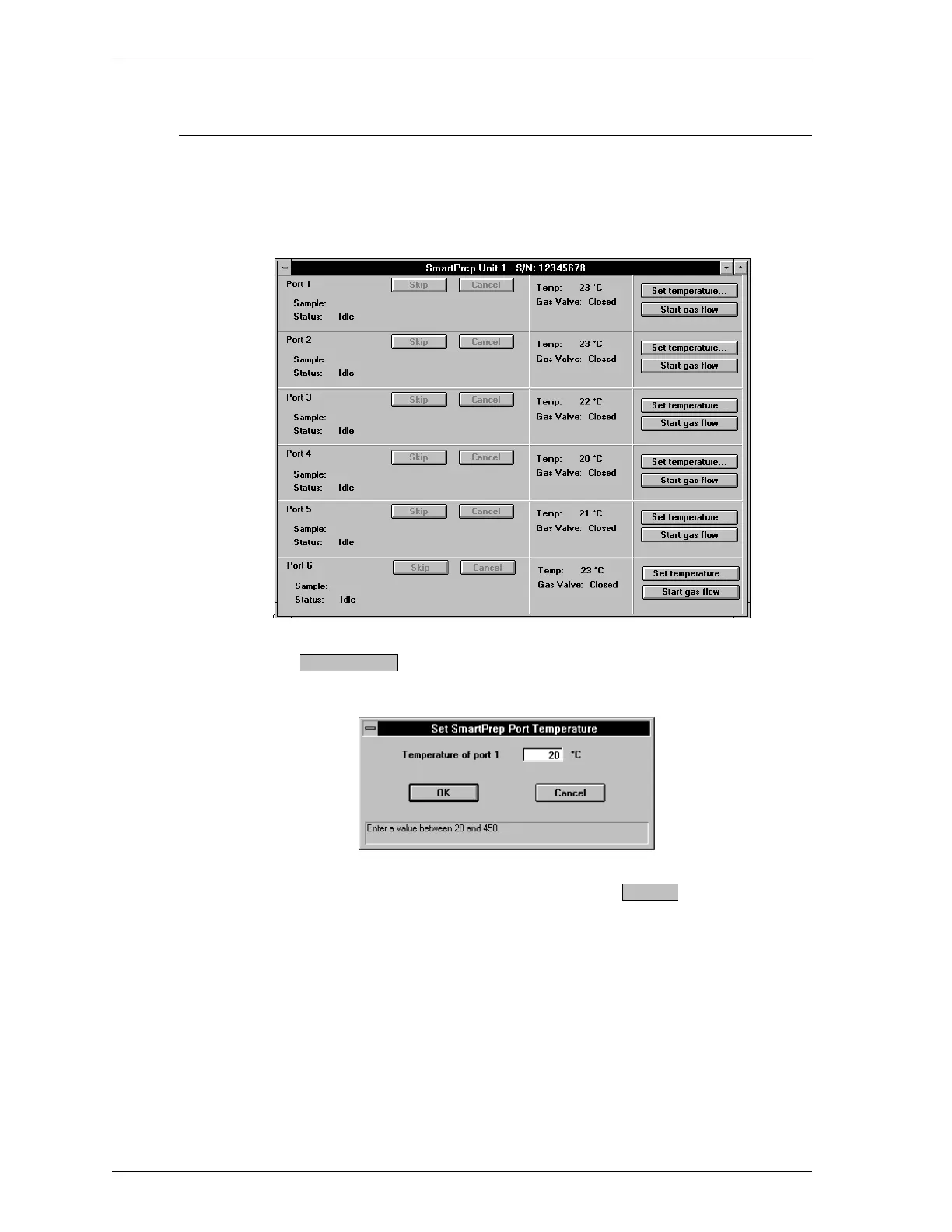
1. Select SmartPrep, select the SmartPrep Unit number, then select Show
Status from the Main menu.
2. The following dialog box is displayed.
3.
Press for the desired heating station (the heating station must
be Idle). The following dialog box is displayed.
4.
Enter the setpoint for the heating station and press .
Range: 20 to 450
o
C
Default: Current setpoint temperature
Set temperature
OK
Degassing Samples SmartPrep
2-30 Aug 98











 To Next Page