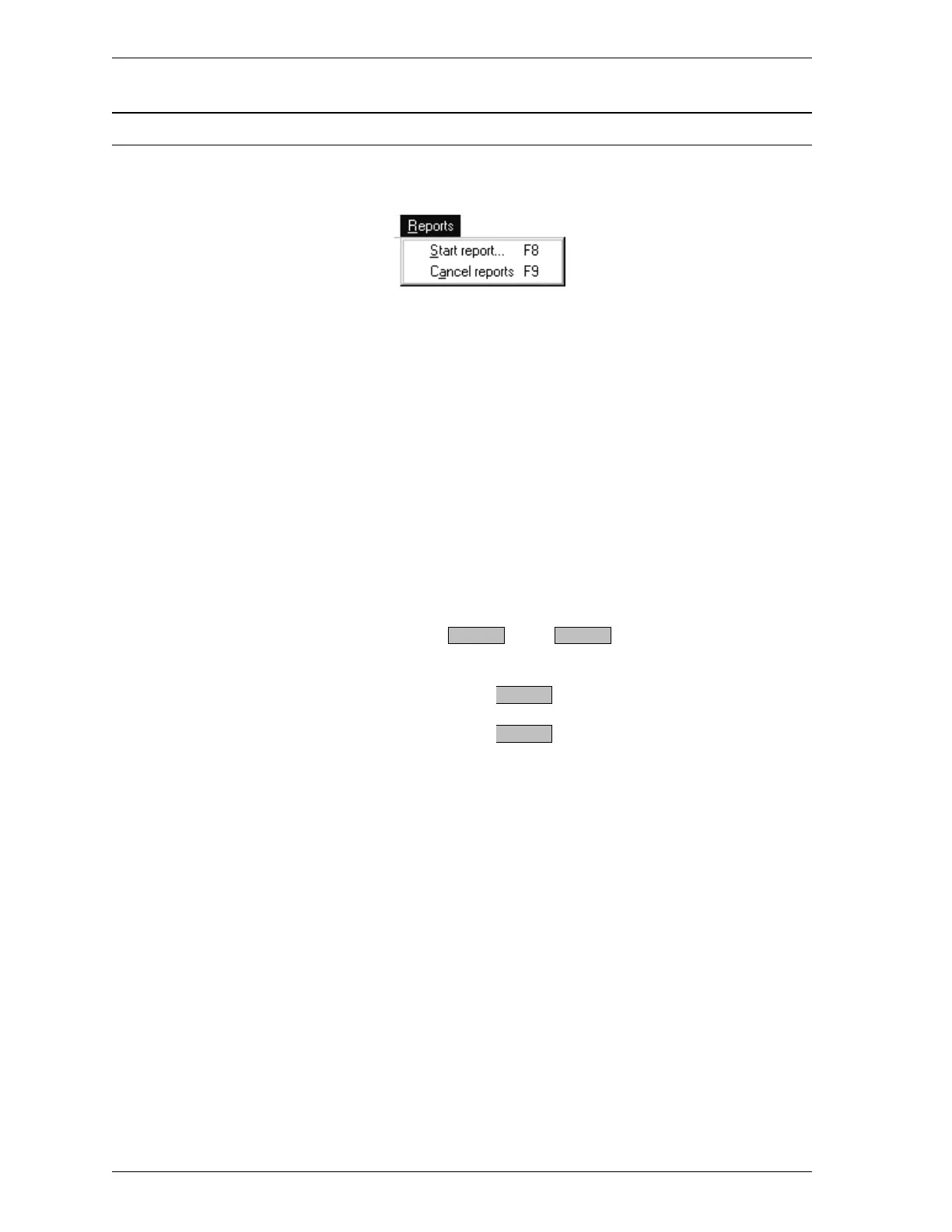
Reports Menu
The Reports menu enables you to start and cancel reports.
Start report Select Start Report to print a log report. The Start
Report dialog box is displayed. This dialog box
contains the same fields as the Print dialog box
(refer to Print in this chapter for field descrip-
tions). The files list in the dialog box contains
files with a status of Prepared or Preparing.
A sample report is shown on the next page.
Cancel reports Select Cancel reports to cancel reports in the ac-
tive window. If reports are being generated, the
message is displayed.
Cancel active print jobs?
Select to cancel reports.
Select to continue printing.
Yes No
Yes
No
Reports Menu SmartPrep
3-22 Aug 98











 To Next Page