TriStar 3000 V1.00
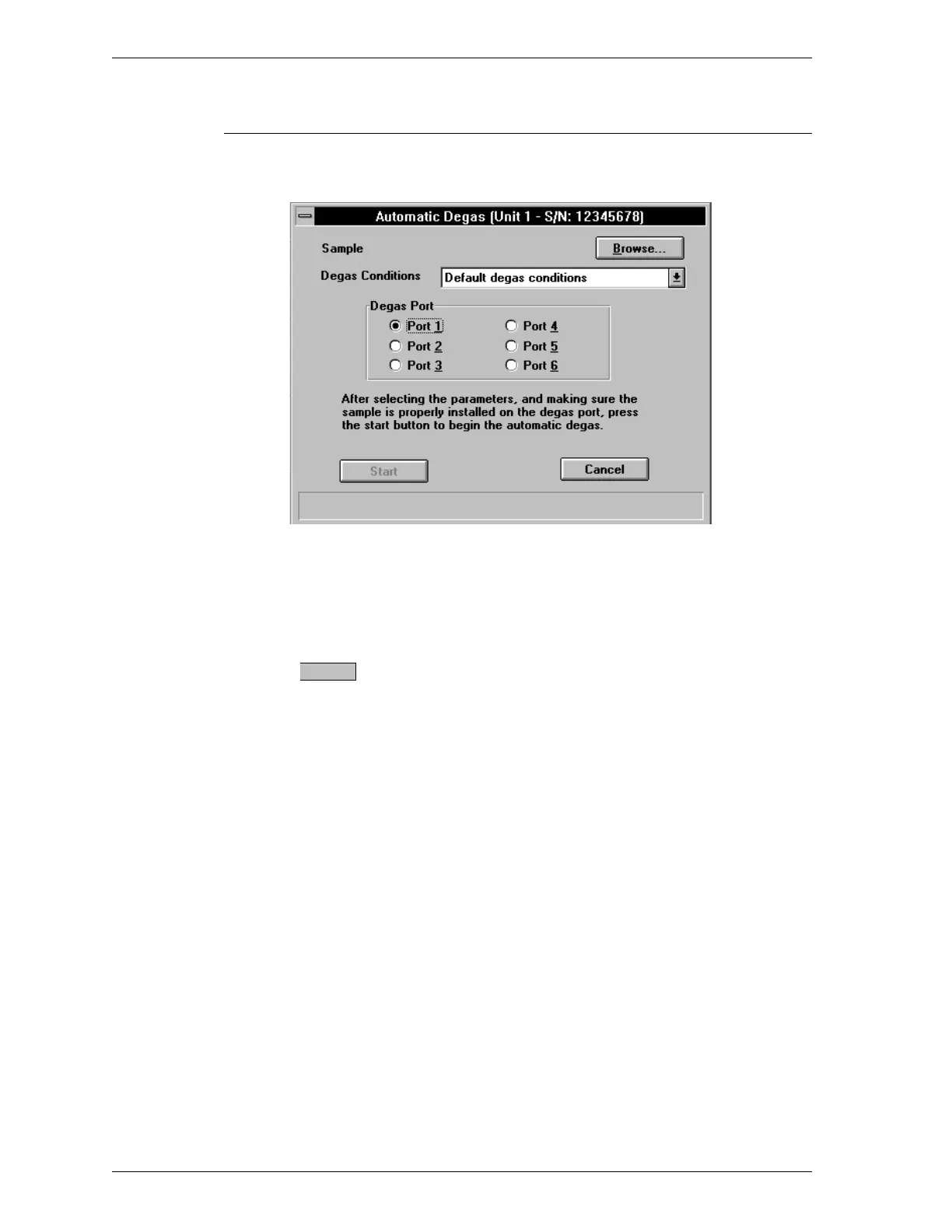
For TriStar V1.00 only: the following dialog box is displayed.
The six heating stations available on the degasser are represented in the Degas
Port area of the dialog box. You may select only one heating station at a time.
1. Click on the port you wish to use for the degas operation
2.
Press . The degas operation begins and the SmartPrep Status dialog
box is displayed.
3. Proceed to Monitoring a Degas Operation.
Start
Degassing Samples SmartPrep
2-28 Aug 98











 To Next Page