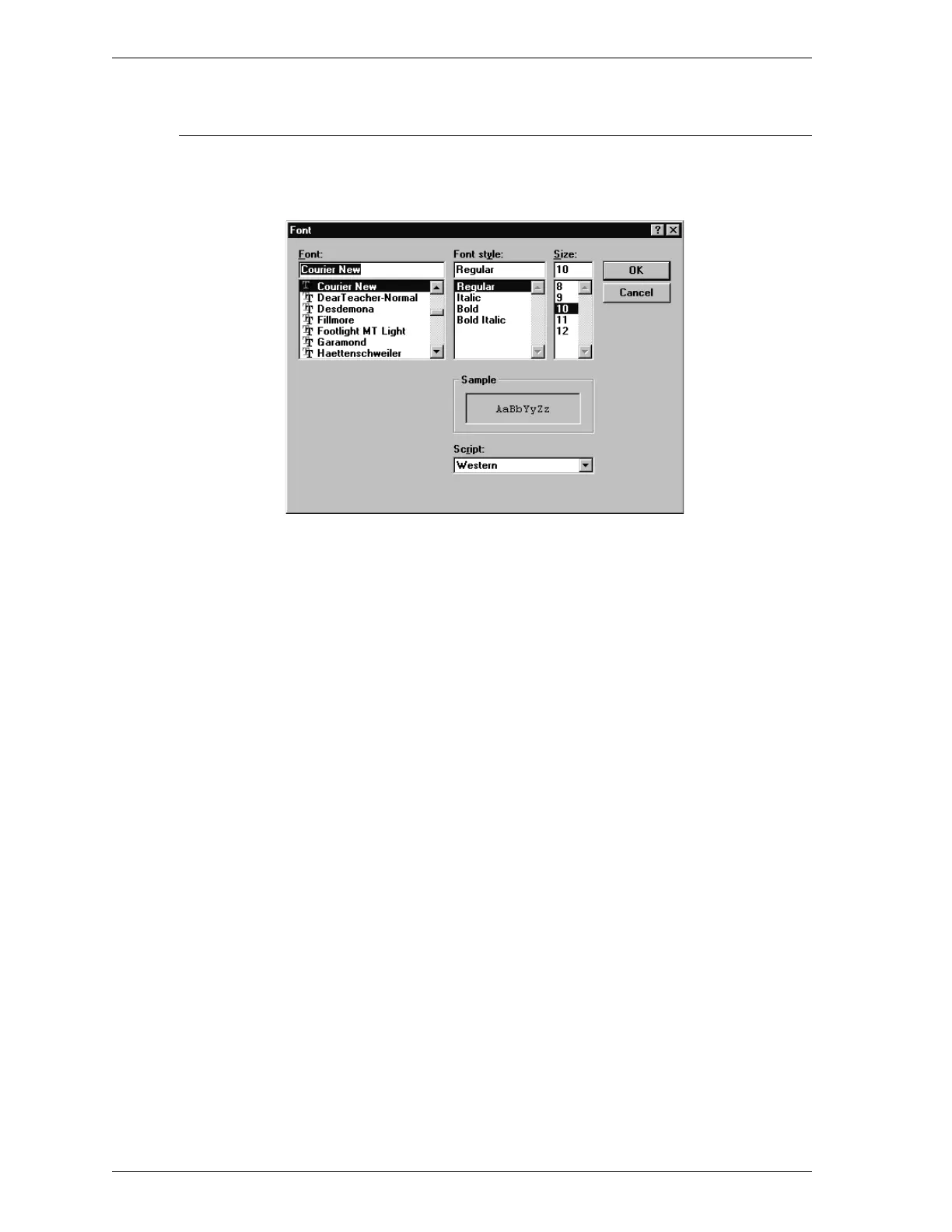
Report Font
The Report Font dialog box enables you to select the font used in printed reports.
Font Use the up and down arrows to scroll through the
list of fonts. Click on the font you wish to use
for reports.
Font Style Use the up and down arrows to scroll through the
list of font styles. Click on the style you wish to
use for reports.
Size Use the up and down arrows to scroll through the
list of font sizes. Click on the size you wish to
use for reports.
Script Use the down arrow to display the font script
choices. Click on the font script you wish to use
for reports.
Options Menu SmartPrep
3-28 Aug 98











 To Next Page