MAINTENANCE
This chapter provides instructions on how to:
•
Replace the power supply dust filter
•
Verify the flow rate
Replacing the Power Supply Dust Filter
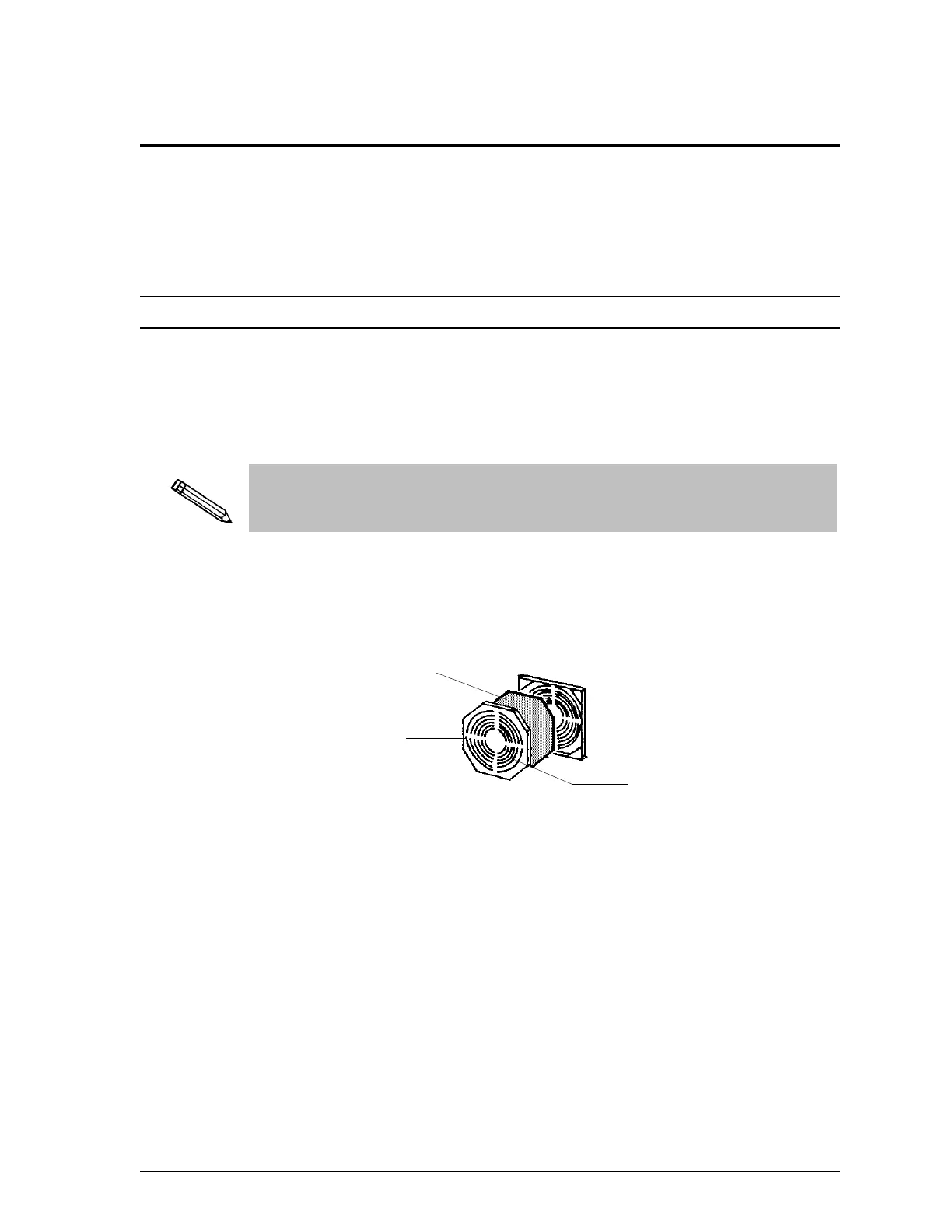
The power supply dust filter (located on the back of the SmartPrep) should be
checked every 30 days (more often in environments with increased levels of
dust). If the filter contains an accumulation of dust, remove and replace it with a
new one.
A supply of filters is provided in the accessories shipped with the
SmartPrep. Refer to Ordering Information in Chapter 5 when reordering is
required.
1. Insert the tip of a flat-head screwdriver into the grill of the retaining cover
and gently pull outward. DO NOT remove the screws on the plate holding
the filter.
2. Remove and discard the used filter.
3. Insert a new filter and replace the retaining cover.
Filter
Retaining
Cover
Insert tip of flat-head
screwdriver to remove
retaining cover.
SmartPrep Maintenance
Oct 01 4-1











 To Next Page