Gemini Sample Tubes
Adapters for these sample tubes are not included with the SmartPrep. Refer to
Chapter 5 for ordering information.
Allow heating stations to cool before removing adapters from the
SmartPrep. Always use the adapter-removal tool provided in the Adapter
Option kit when removing adapters. The adapters may become hot
enough to cause severe burns.
Do not place your fingers inside the heating stations; the stations may be
hot enough to cause burns.
Inserting Adapters
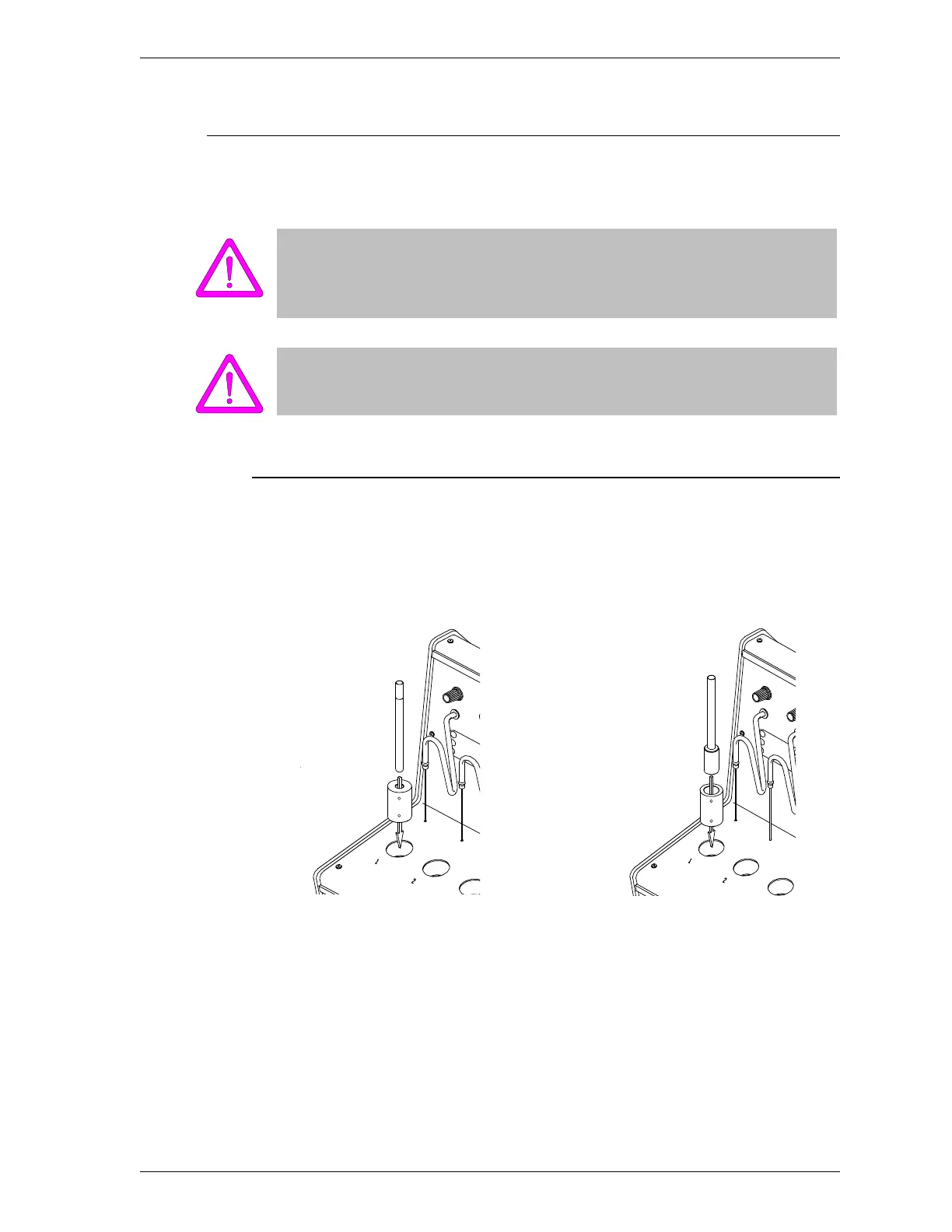
An adapter may be inserted into the heating station with either end in the
upward position.
Figure 2-12. Inserting Adapters used with Gemini Sample Tubes
Straight-Wall Sample Tubes
Bulb Sample Tubes
SmartPrep Inserting and Removing Heating Station Adapters
Sep 98 2-21











 To Next Page