Monitoring a Degas Operation
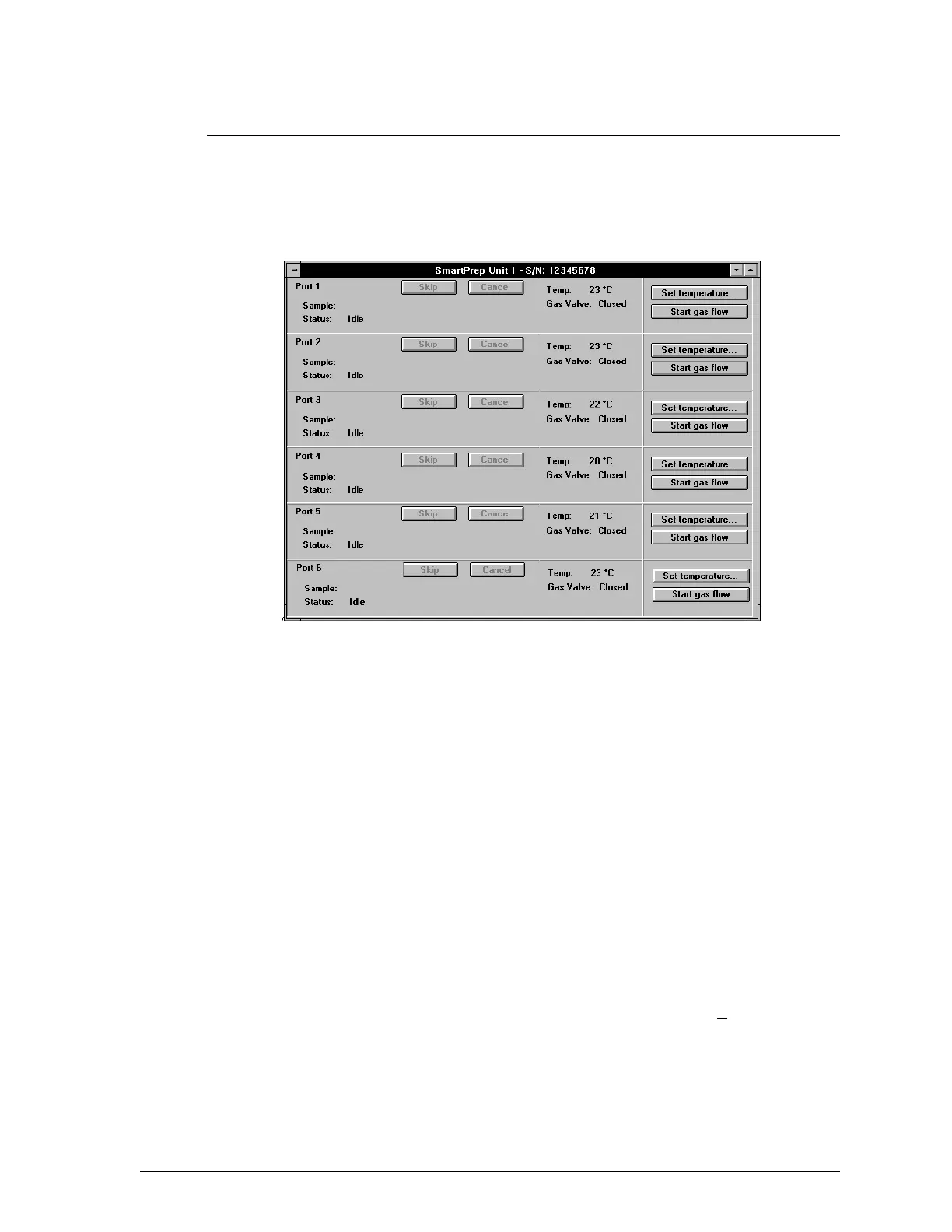
The SmartPrep Status dialog box, shown below, enables you to monitor degas op-
erations and stop gas flow after samples are degassed. (Refer to Show Status in
Chapter 3 for a detailed description of this dialog box.) When the degas opera-
tion is complete, refer to Completing a Degas Operation in this chapter.
For each sample station, the following information is displayed:
Sample The name and path of the sample information file
being used.
Status The current degas status as described below.
1. Idle
2. Stage n of n: Ramping to nnn
o
C at
nn
o
C/min
3. Stage n of n: Soaking (number of
minutes remaining)
4. Cooldown
Temp Displays the current temperature (
+10
o
C) of the
sample being degassed.
Gas Valve Informs you whether the heating station’s gas
valve is opened or closed.
SmartPrep Degassing Samples
Sep 98 2-29











 To Next Page