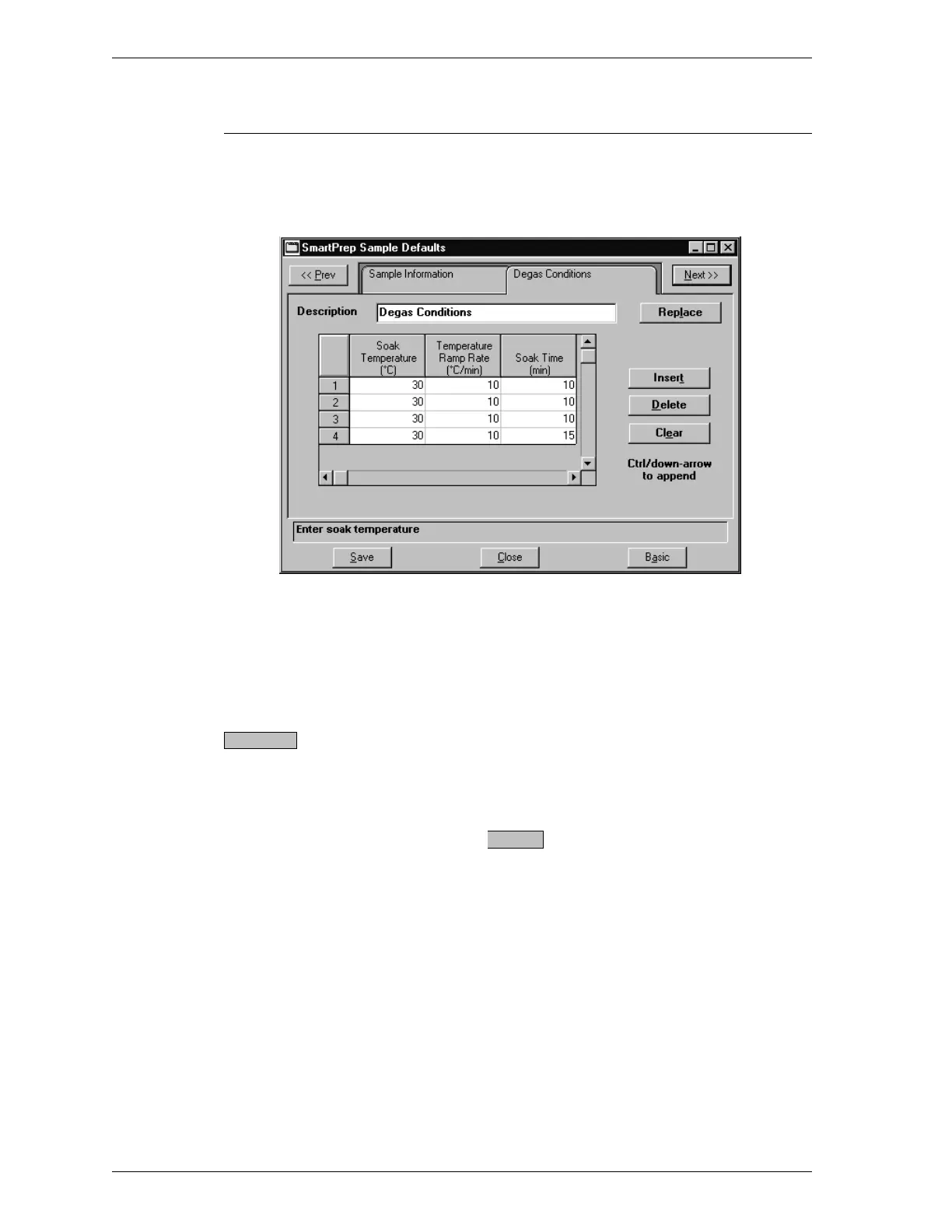
Degas Conditions Defaults
When you select Degas Conditions while in the Advanced sample information dia-
log box, the following dialog box is displayed.
Description Enter a description of the degas conditions file.
Length: 40 alphanumeric characters (at least one
character is required)
Allows you to copy the values of an existing de-
gas conditions file into the file you have open.
When you select this button, an open file dialog
box is displayed. Select the desired file, then
click . The values are copied into the
new file automatically.
You may edit the values in the new file; the file
from which they were copied remains unchanged.
Replace.
OK
Options Menu SmartPrep
3-34 Aug 98











 To Next Page