Allows you to install the SmartPrep 065 program
in a location other than the one shown in the In-
stall to: field. A dialog box is displayed so that
you may enter a new path.
Program Files Installs the SmartPrep program.
Screen Saver Files Installs the screen saver files supplied by
Micromeritics. If you install these files, you may
access the files in the same manner as other
screen saver files.
6.
Select . File names are displayed as the SmartPrep files are loaded.
Insert the SmartPrep 065 (Standalone) diskette labeled Disk 2 into the disk-
ette drive when instructed to do so.
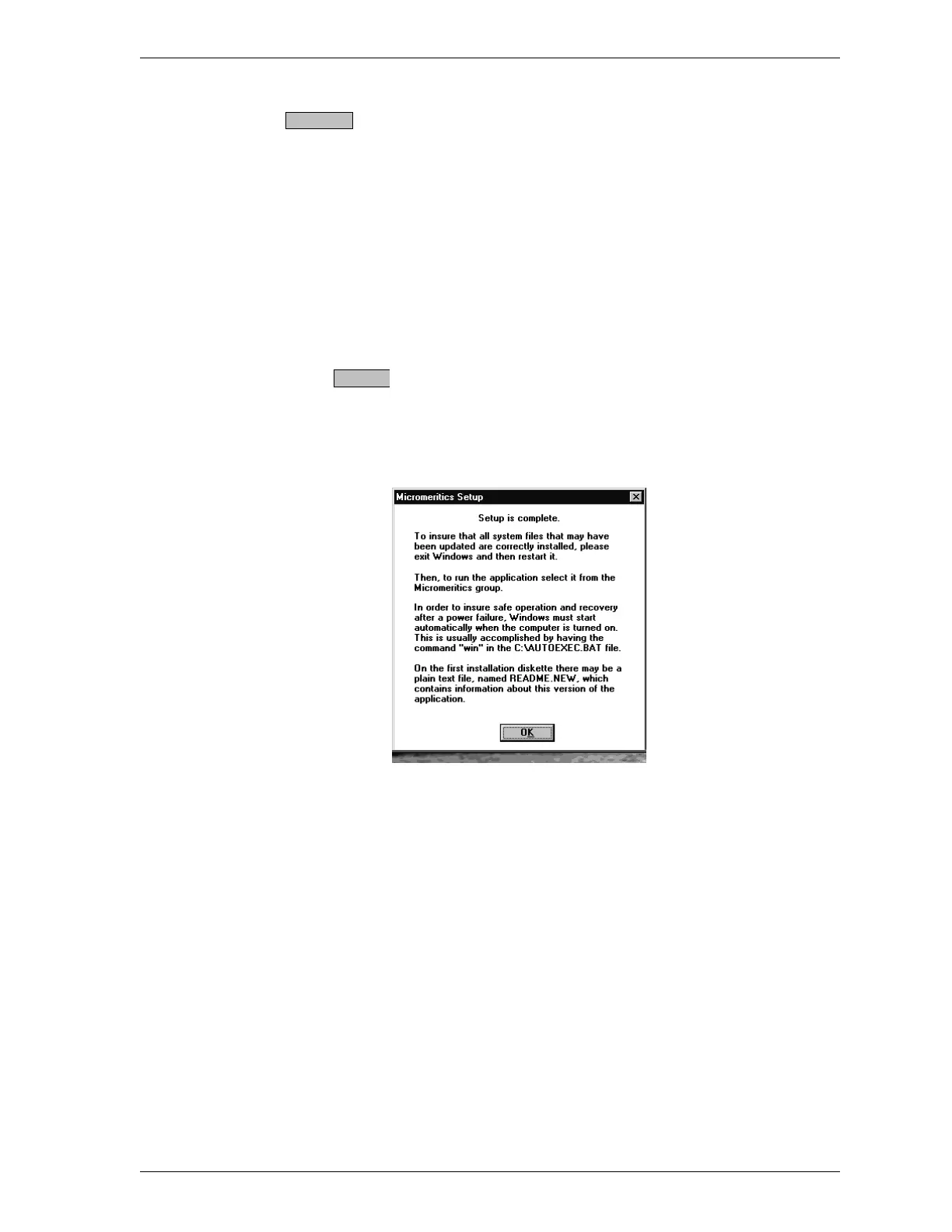
7. When installation is complete, the following dialog box is displayed.
8. Exit Windows, then restart Windows to ensure that all system files are up-
dated correctly.
9. Proceed to Configuring Devices.
Set Path...
OK
SmartPrep Installation
Sep 98 1-11











 To Next Page