Temp Displays the current temperature (
+10
o
C) of the
sample being degassed.
Gas Valve Informs you whether the heating station’s gas
valve is opened or closed.
Press this button if you wish to select a tempera-
ture other than the temperature selected in the de-
gas conditions file or to perform a manual degas
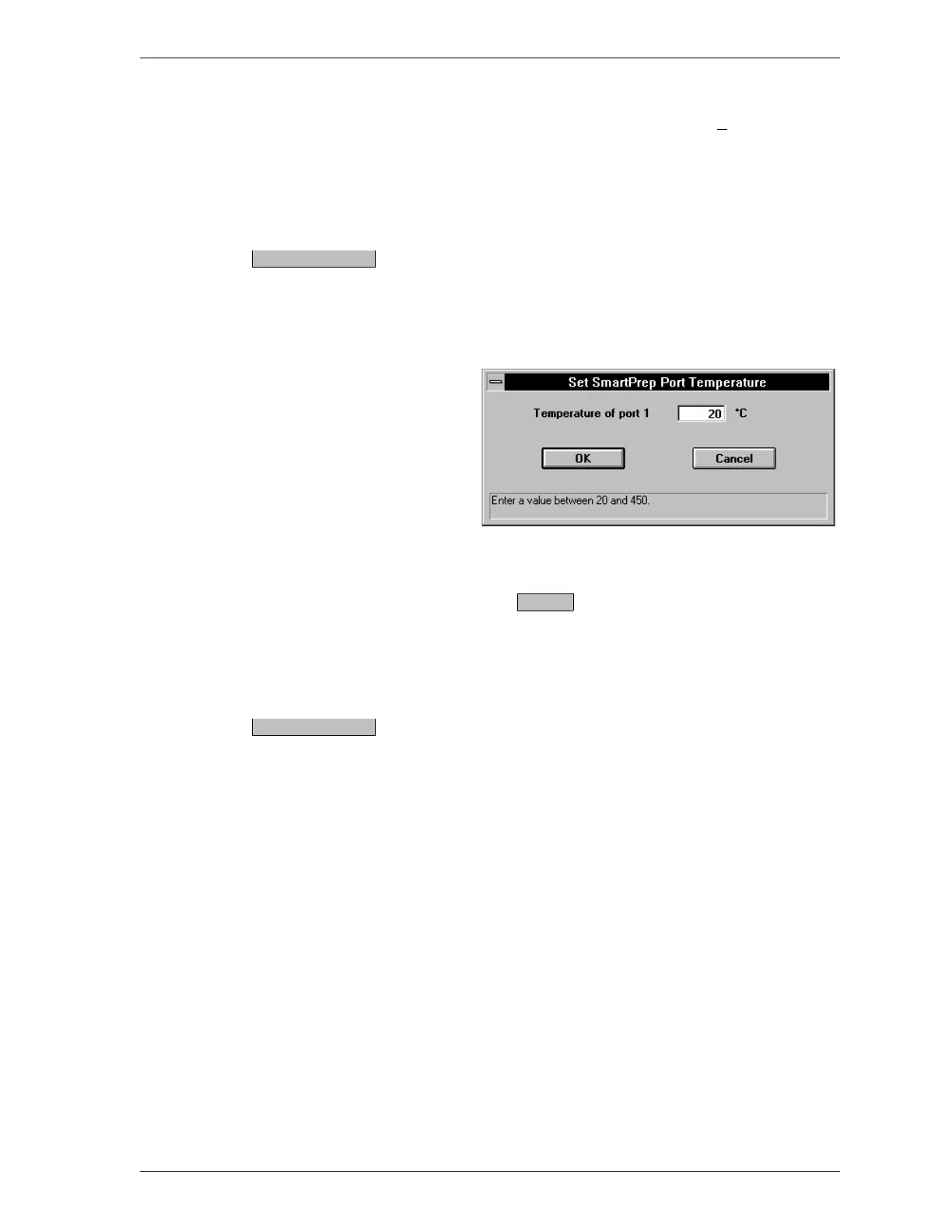
operation. The following dialog box is displayed.
Enter the set point for the heating station and
press .
Range: 20 to 450
o
C
Default: Current set point temperature
The button displays Start gas flow if the valve is
closed and Stop gas flow if the valve is opened.
Press this button if you wish to stop or start gas
flow to a heating station.
Set temperature
OK
Start/Stop gas flow
SmartPrep SmartPrep Menu
Aug 98 3-19











 To Next Page