P051 MAX VOLUME
Use this feature to display the Reading in volumetric units rather than percent.
Enter the vessel volume
between Empty (P006) and Span (P007).
e.g. 1 If the volume = 3650 m
3
, enter 3650.
e.g. 2 If the volume = 267,500 US gallons, enter 267.5 (1000’s of gallons).
values: 0.000 to 9999
P052 TANK DIMENSION A
Enter the height of the tank bottom if P050 = 2,3,4, or 5, or the length of
one end section of
the tank if P050 = 7, in Units (P005).
values: 0.000 to 9999
P053 TANK DIMENSION L
Enter the length of the tank (excluding both end sections) if P050 = 7, in Units (P005).
values: 0.000 to 9999
P054 LEVEL BREAKPOINTS (Universal Volume Calculation)
Enter level breakpoints* (here volume is known) if P050 = 9 or 10.
values: 0.000 to 9999
P055 BREAKPOINT VOLUMES ( Universal Volume Calculation )
Enter the volume* corresponding to each Level Breakpoint entered.
values: 0.000 to 9999
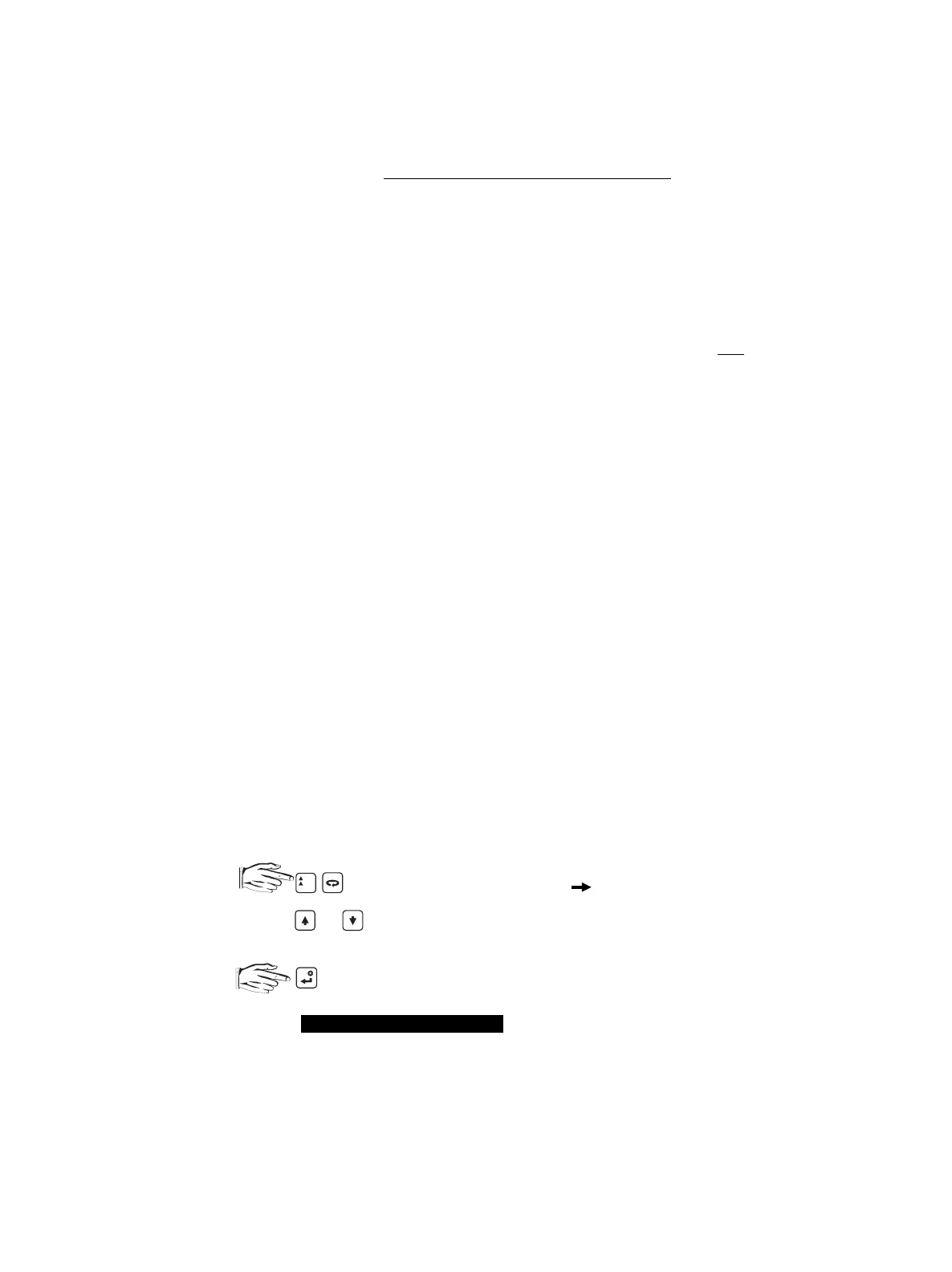
* To enter a Level Breakpoint or Breakpoint Volume...
1. to display the index symbol, .
2. Scroll
(
or
)
or direct access the desired Breakpoint.
3. Key in the desired level or volume value.
4. .
Refer to Volume Calculation
for breakpoint value selection.
%
TECHNICAL REFERENCE
PL-508 32



 To Next Page