PROFILE POINTER PARAMETERS
When a Profile Pointer Parameter is accessed, the Echo Lock Window scope display changes
to a Profile Pointer display. The Profile Pointer may be moved to a number of points on the
Echo Profile, to gain specific information dependent upon the Profile Pointer Parameter used.
To move the Profile Pointer to a specific point, enter the desired value. The Profile Pointer will
move to the nearest acceptable Echo Profile point. The Profile Pointer is preset to "0".
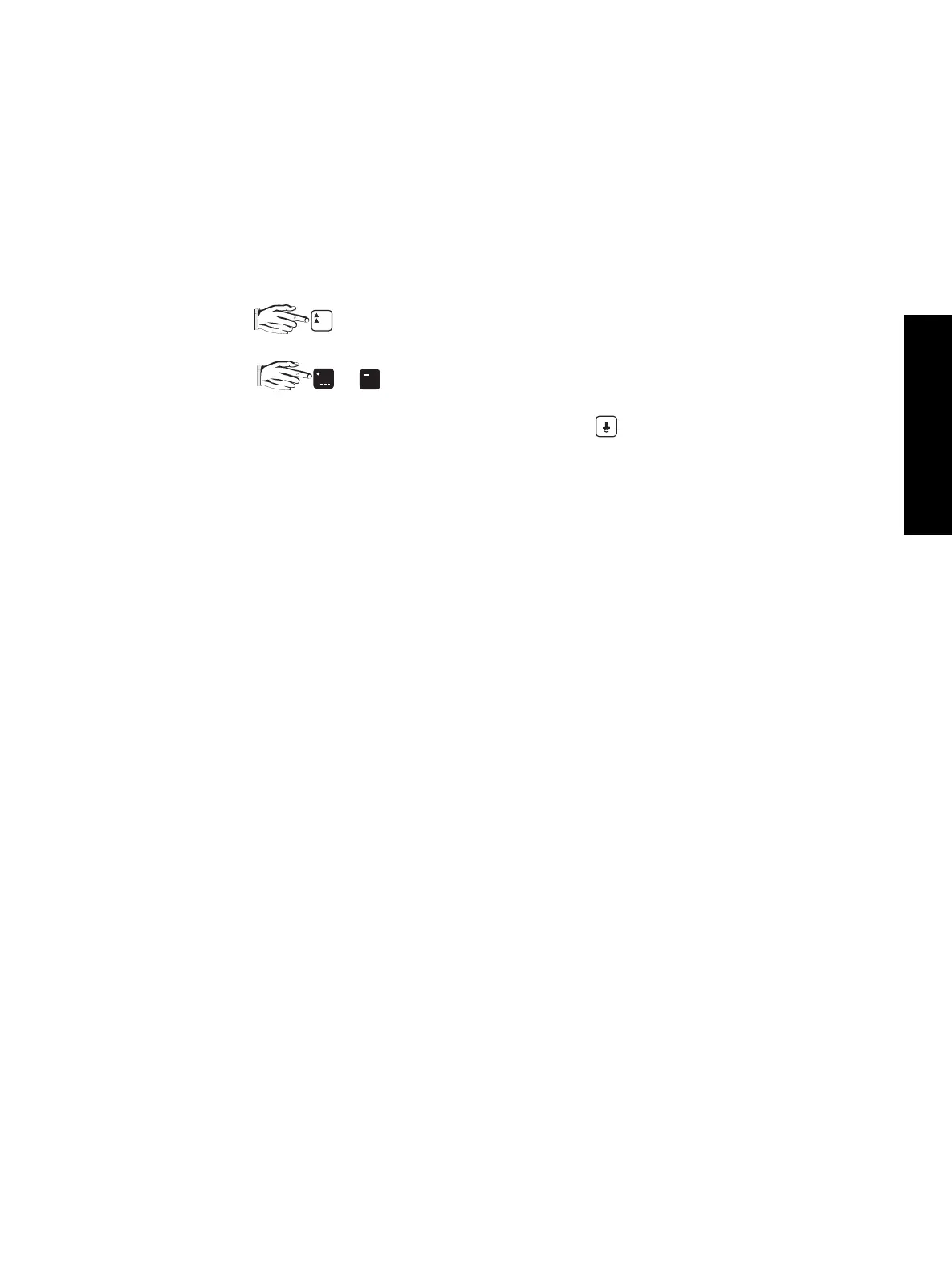
Alternatively, to scroll the Profile Pointer along the Echo Profile...
1. to display the Auxiliary Function symbol,
2. or to move the Profile Pointer to the left or right respectively.
When the Profile Pointer Parameters are exited and is pressed or the RUN
mode is entered, the Profile Pointer display automatically changes back to the
Echo Lock Window display.
P817 (V) PROFILE POINTER TIME
Observe the time (in ms) between the transmit pulse and the Profile Pointer.
values: 0.000 to 9999
P818 (V) PROFILE POINTER DISTANCE
Observe the distance (in P005 Units) between the transducer face and the Profile Pointer.
values: 0.000 to 9999
P819 (V) PROFILE POINTER AMPLITUDE
Observe the amplitude (in dB above 1 µV rms) of the Echo Profile at the Profile Pointer position.
values: 0 to 99
%
PX XX
P
ENHANCEMENT PARAMETERS
PL-508 65



 To Next Page