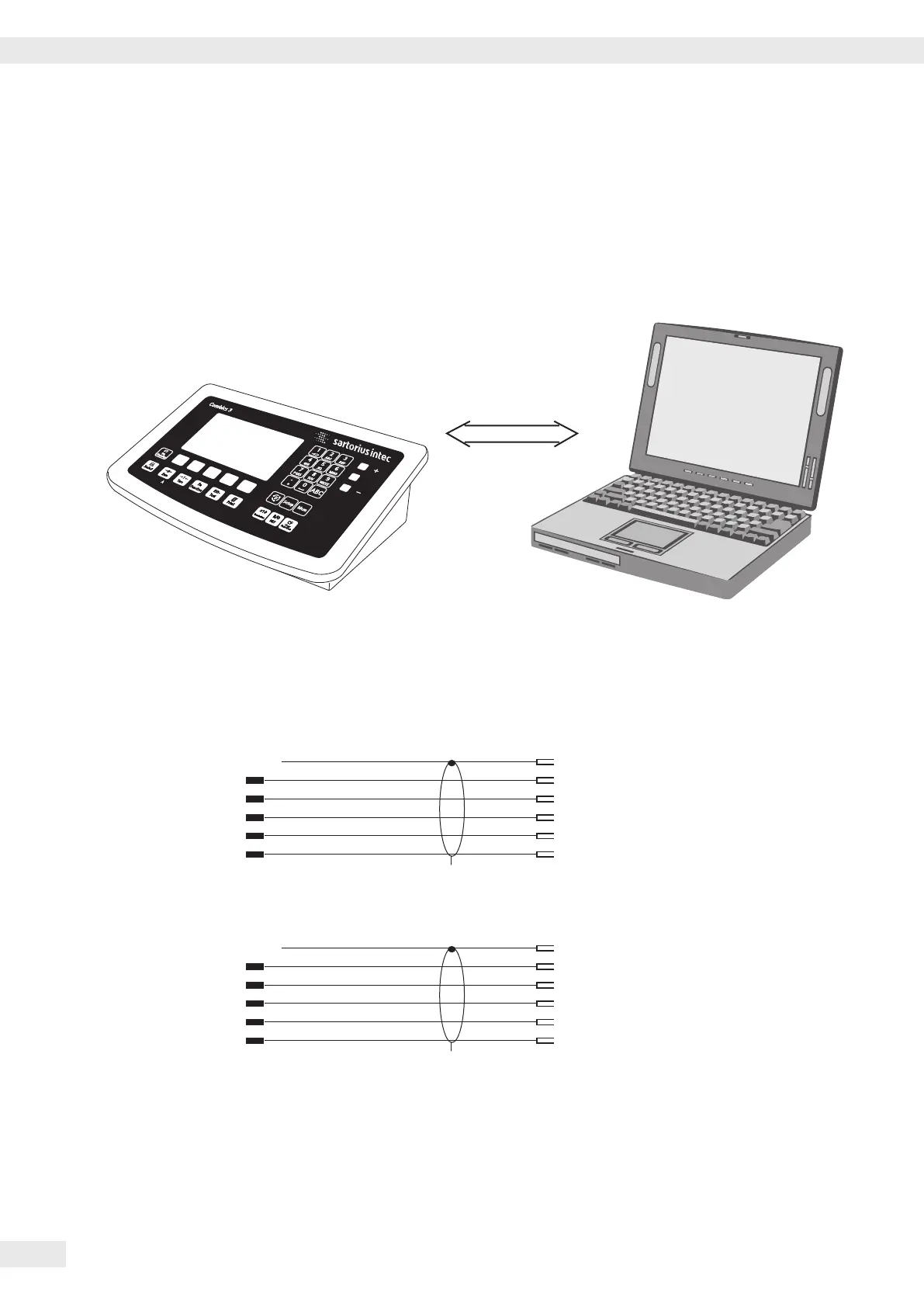
Connecting a PC via Interface COM2
Use the following cables to connect a PC to the indicator in accordance with the
RS-232C/V24 standard (max. cable length 15 m):
Model type CAW3P | CASLE-SPC: connecting cable 7357312
Model type CAW3S | CAS3: connecting cable YCC02-D09F6
Pin assignment
Pin assignments for the cable from the indicator to an RS-232 PC interface (COM1).
Indicator side PC side
Model type CAW3P | CASLE-SPC DSUB connector
25-pin D-Sub male connector 9-pin or 25-pin
1
Sgn GND 7 5 GND 7 GND
TxD 2 2 RxD 3 RxD
RxD 3 3 TxD 2 TxD
DTR 20 8 CTS 5 CTS
CTS 5 4 DTR 20 DTR
Model type CAW3S | CAS3
Open cable end DSUB connector
9-pin or 25-pin
Sgn GND 15 5 GND 7 GND
TxD 14 2 RxD 3 RxD
RxD 13 3 TxD 2 TxD
DTR 12 8 CTS 5 CTS
CTS 11 4 DTR 20 DTR
RS232
Getting Started
18 Operating Instructions Combics Complete Scales



 To Next Page
 Loading...



