4. Accessing the internal parts
MiR1000 User Guide (en) 12/2020 - v.1.4 ©Copyright 2019-2020: Mobile Industrial Robots A/S. 27
4. Accessing the internal parts
Most internal parts of MiR1000 are accessed through maintenance hatches that open to
different compartments:
• Front compartment
• Rear compartment
• Side compartments
• Top compartments
4.1 Front compartment
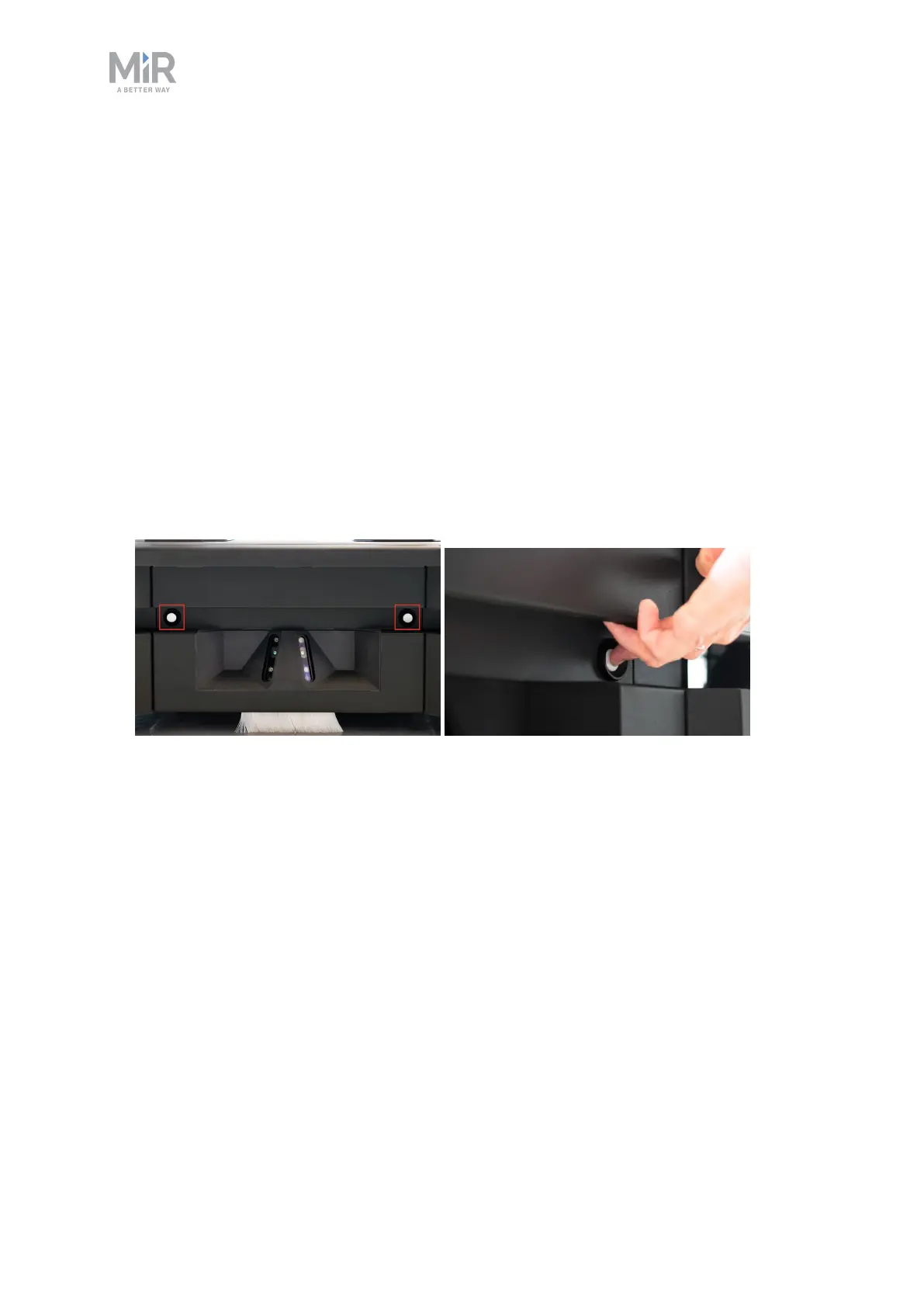
To open the front compartment, follow these steps:
1. Push the two white buttons and pull the hatch.



 To Next Page