4. Accessing the internal parts
MiR1000 User Guide (en) 12/2020 - v.1.4 ©Copyright 2019-2020: Mobile Industrial Robots A/S. 29
4.2 Rear compartment
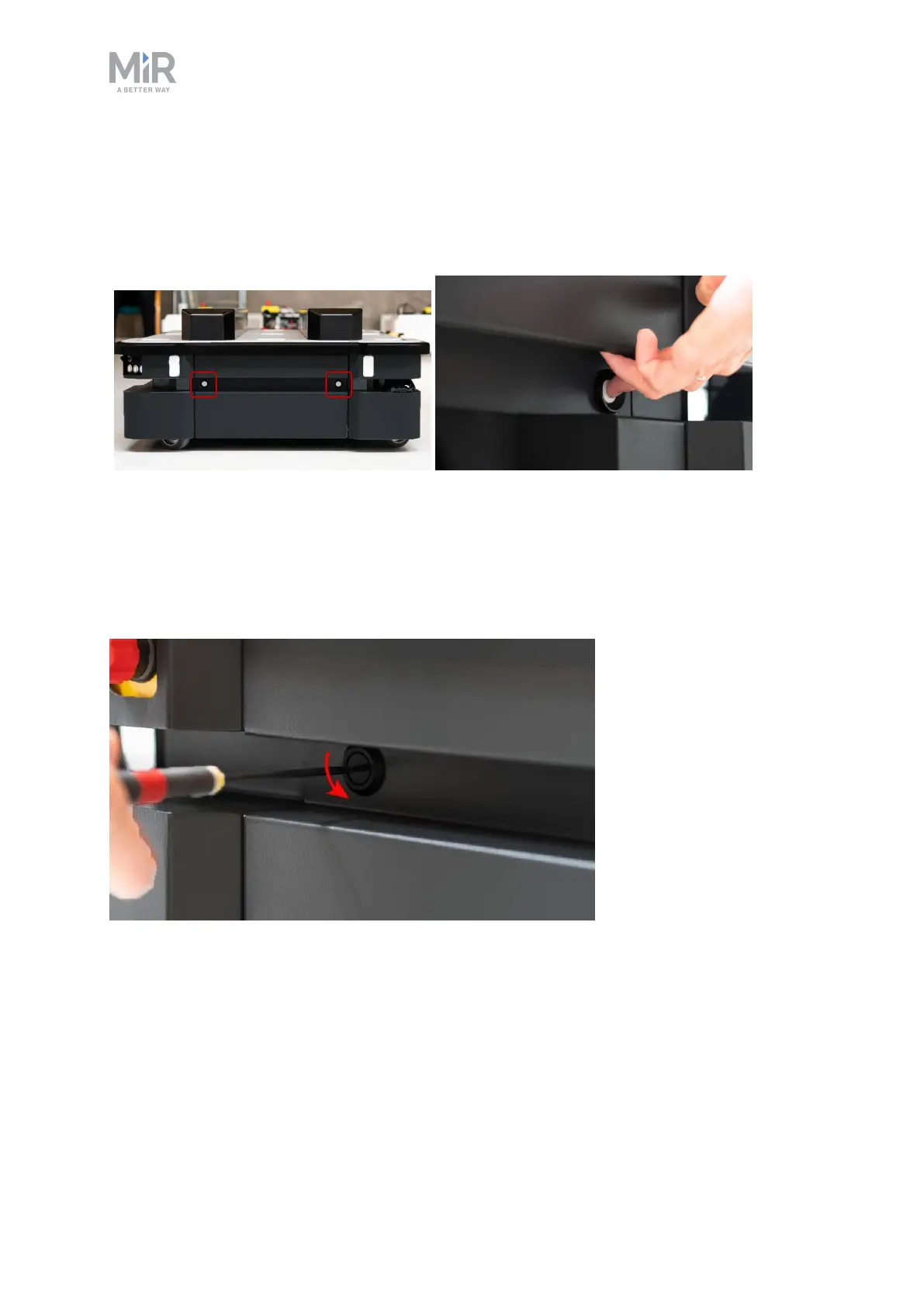
To open the rear compartment, push the two white buttons at the same time and pull the
hatch.
4.3 Side compartments
To open a side hatch, turn the two screws 90° with a flat-head screwdriver, and pull open the
hatch.



 To Next Page