7. Battery and charging
MiR1000 User Guide (en) 12/2020 - v.1.4 ©Copyright 2019-2020: Mobile Industrial Robots A/S. 57
Use only an original MiR cable charger.
For information about the charging time, see specifications on the MiR website.
7.2 Disconnecting the battery
Whenever the robot is to be transported, undergo maintenance, or stored for long periods of
time, you should always disconnect the battery.
The rear compartment holds the robot’s battery. To access the rear compartment, see
Accessing the internal parts on page 27.
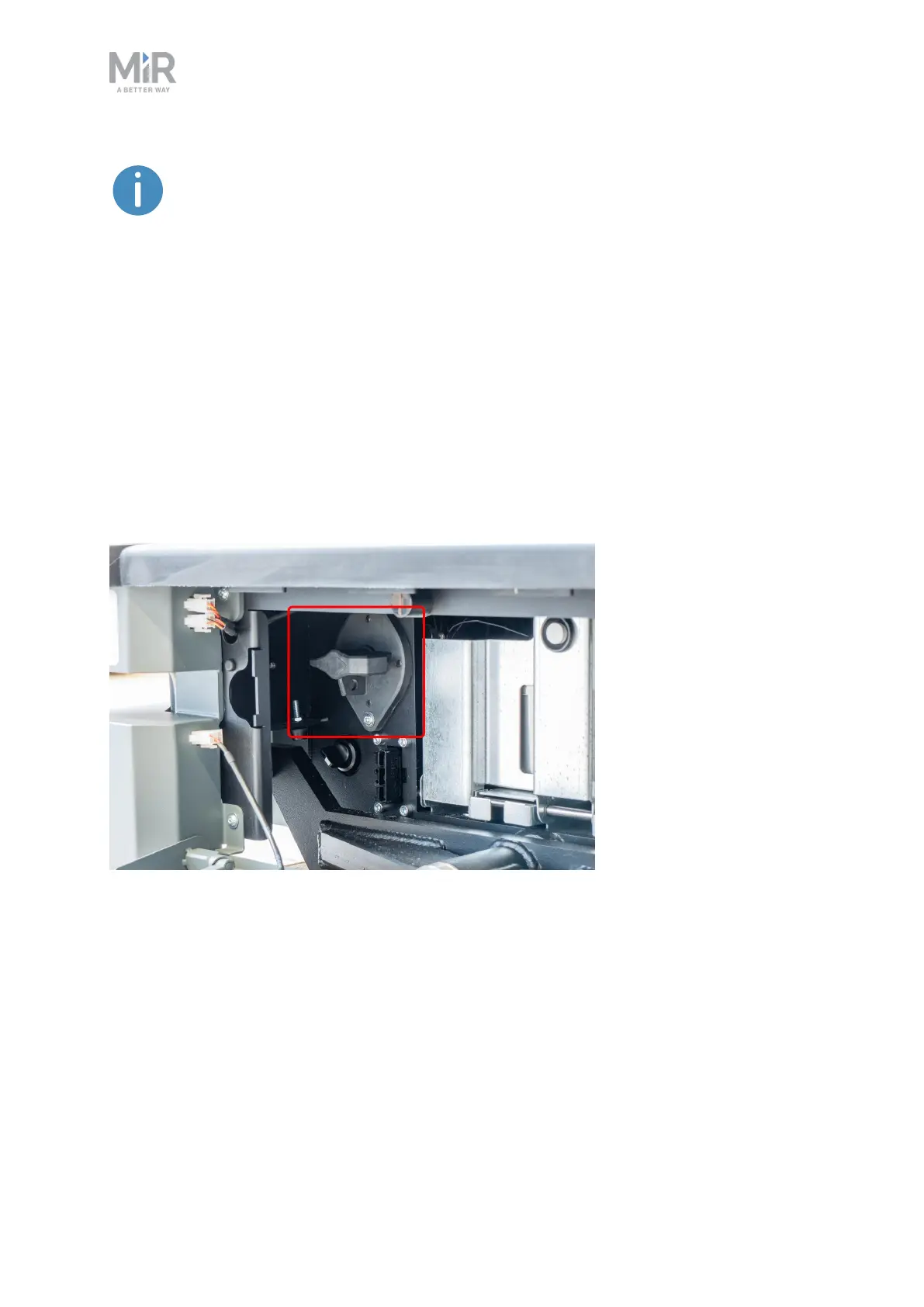
To disconnect the battery, turn the Battery disconnect switch in the rear compartment to the
Off position.
7.3 Battery storage
The battery should be stored in an area at room temperature with a non-condensing relative
air humidity—see specifications on the MiR website. Temperatures and humidity below or
above the specifications will shorten the service life of the battery.
The battery should not be exposed to nor submerged in any liquid as this may damage the
battery.



 To Next Page