6. Getting started
MiR1000 User Guide (en) 12/2020 - v.1.4 ©Copyright 2019-2020: Mobile Industrial Robots A/S. 49
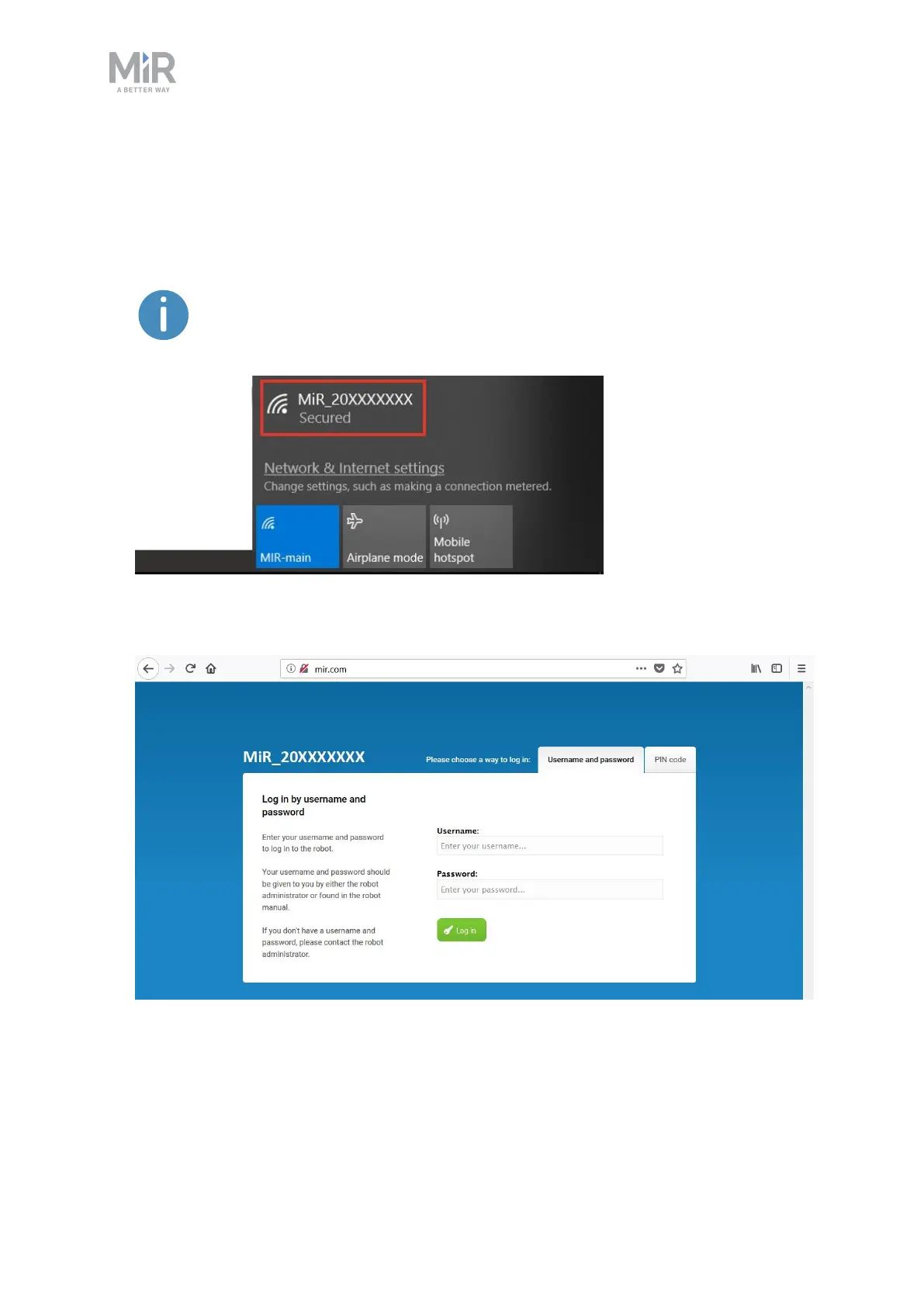
To connect to the robot interface, follow these steps:
1. Using your PC, tablet, or phone, connect to the WiFi access point of the robot using the
unique password for the WiFi access point. The access point name has the following
format: MiR_20XXXXXXX.
The access point name is derived from the robot application's model serial
number.
2. In a browser, go to the address mir.com and sign in.
3. Switch to Manual mode, and drive the robot down the ramp—see Driving the robot in
Manual mode on the next page.



 To Next Page