10. Safety system
MiR1000 User Guide (en) 12/2020 - v.1.4 ©Copyright 2019-2020: Mobile Industrial Robots A/S. 98
Speakers
In Setup > Sounds, you can upload new sounds to the robot or edit the volume and length of
the default sounds.
Sounds are used in missions and can be used as alerts: “Please step aside” or to attract
peoples attention, for example, when the robot has arrived at a position.
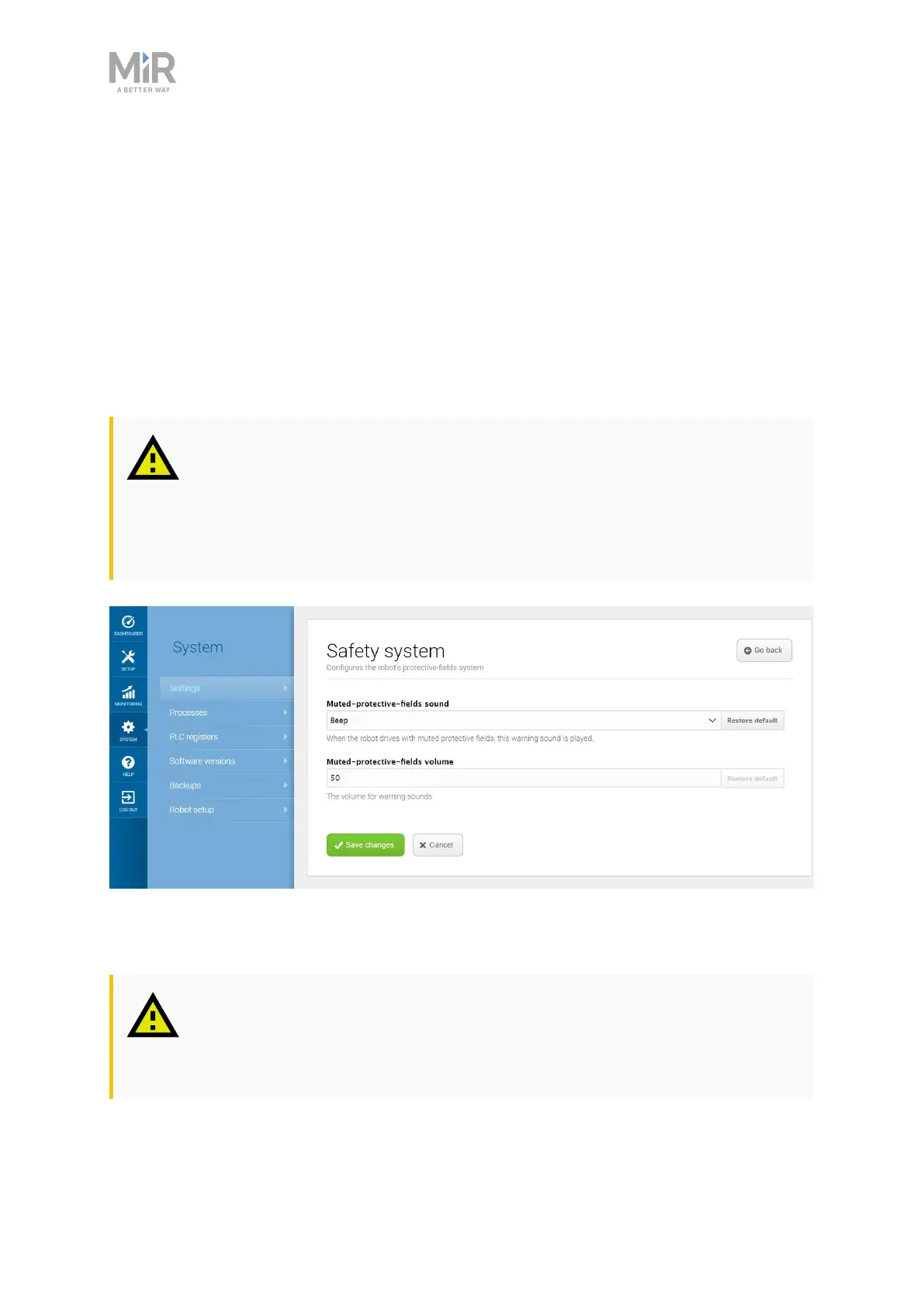
When the robot drives with muted Protective fields it emits a warning sound. In System >
Settings > Safety system, you can choose which sound the robot makes and the volume of
the sound.
CAUTION
Changing the safety system can cause the robot to not comply with safety
standards.
• Do not disable the sound in the safety system.
Figure 10.14. In the Safety system settings, you can modify the sounds the robot plays when the robot mutes its
Protective fields.
CAUTION
It is the responsibility of the commissioner to ensure that the warning sounds
are audible in the robot's work environment.



 To Next Page