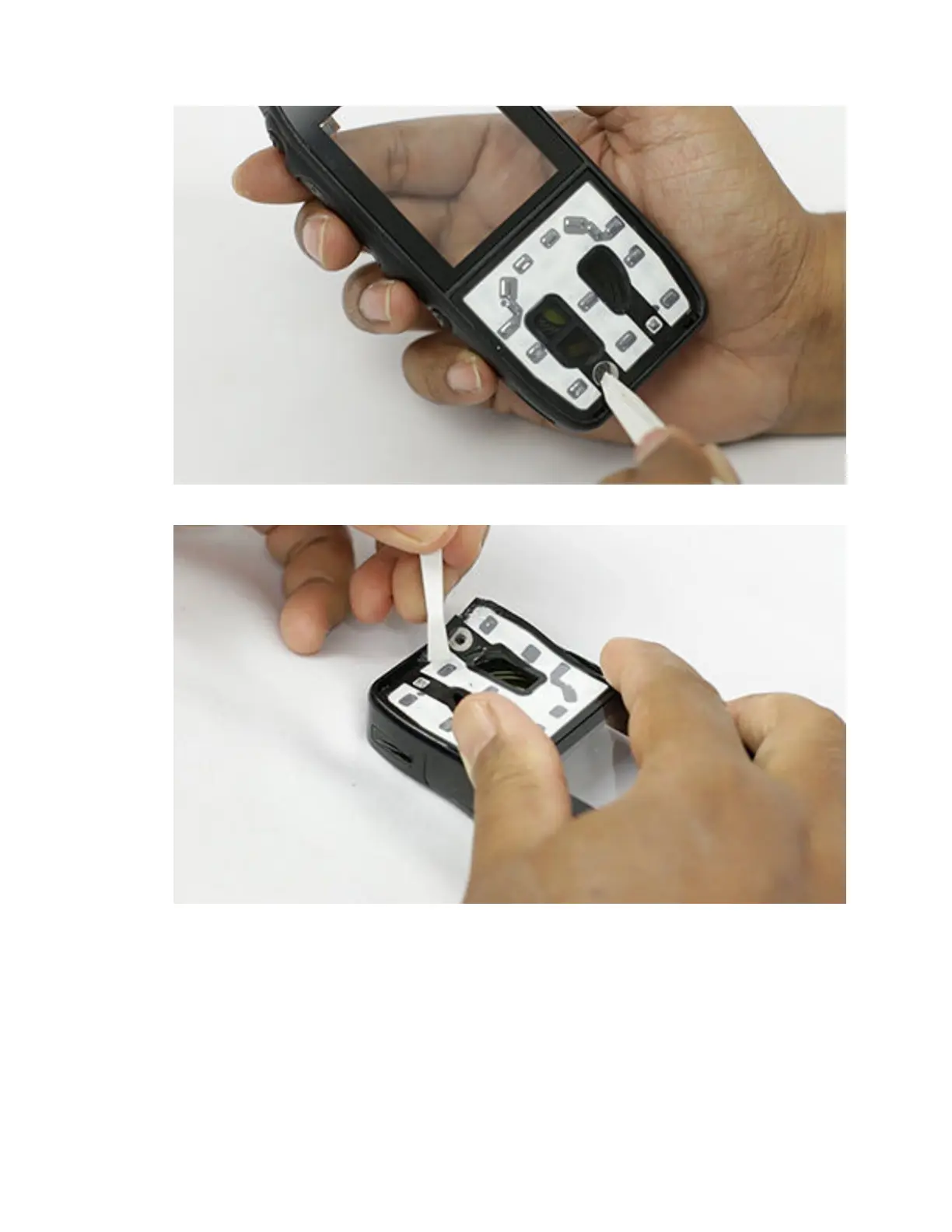
5 Remove the keypad mylar.
6 Clean the adhesive residue from the recess.
To view the video for removing keypad and mylar assembly, click Removing the keypad and
mylar assembly
7.4.25
Removing the Speaker Poron
Procedure:
Remove the speaker poron as shown.
MN006362A01-AL
Chapter 7 : Radio Disassembly and Reassembly
121





 To Next Page