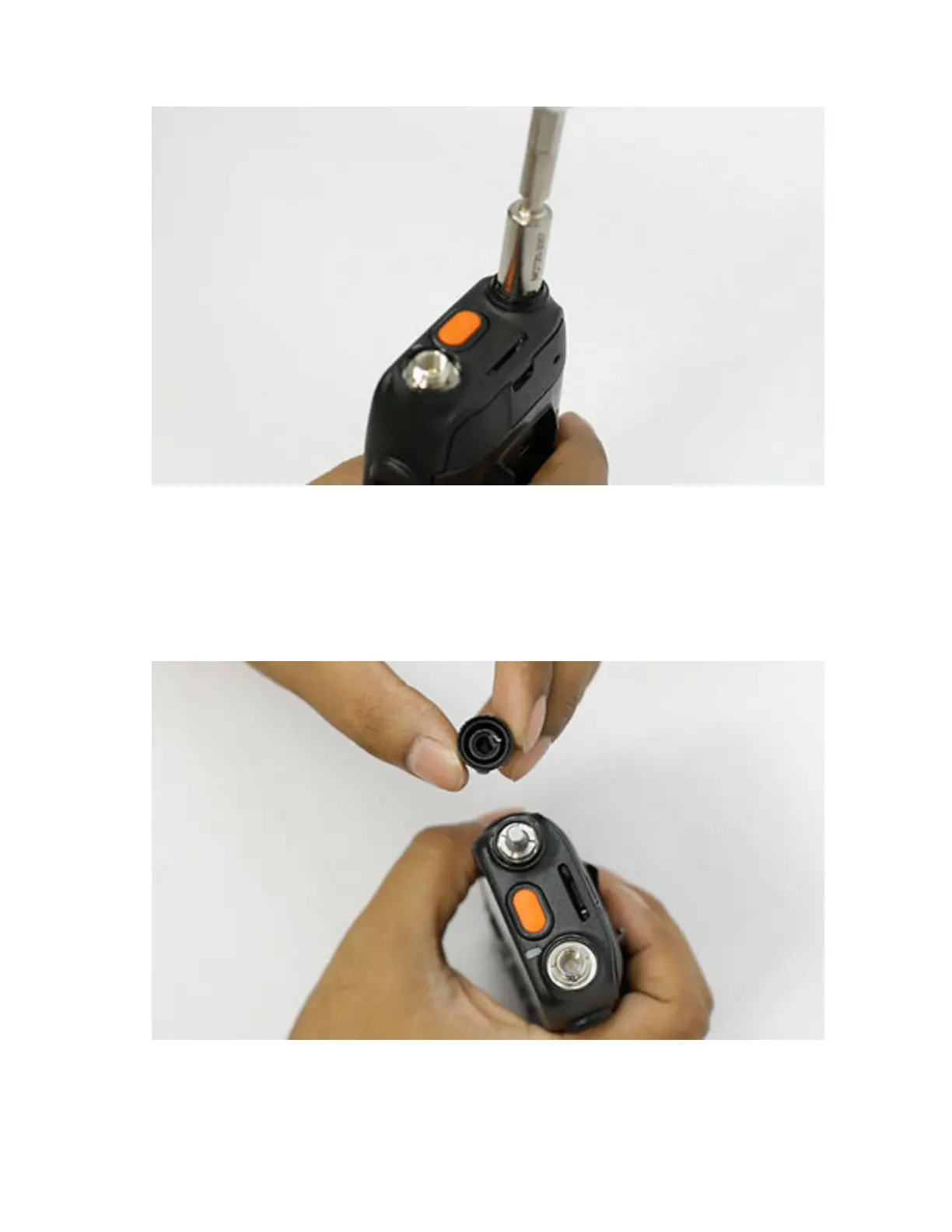
To view the video for installing encoder washer, click Installing the encoder washer
7.5.22
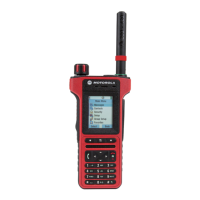
Installing the Encoder Knob
Procedure:
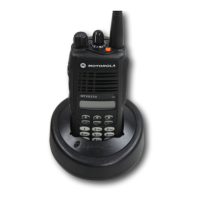
1 Hold the radio in one hand with the top of the radio facing upwards.
2 Align the encoder knob and press down until the encoder knob is fully seated.
MN006362A01-AL
Chapter 7 : Radio Disassembly and Reassembly
158





 To Next Page