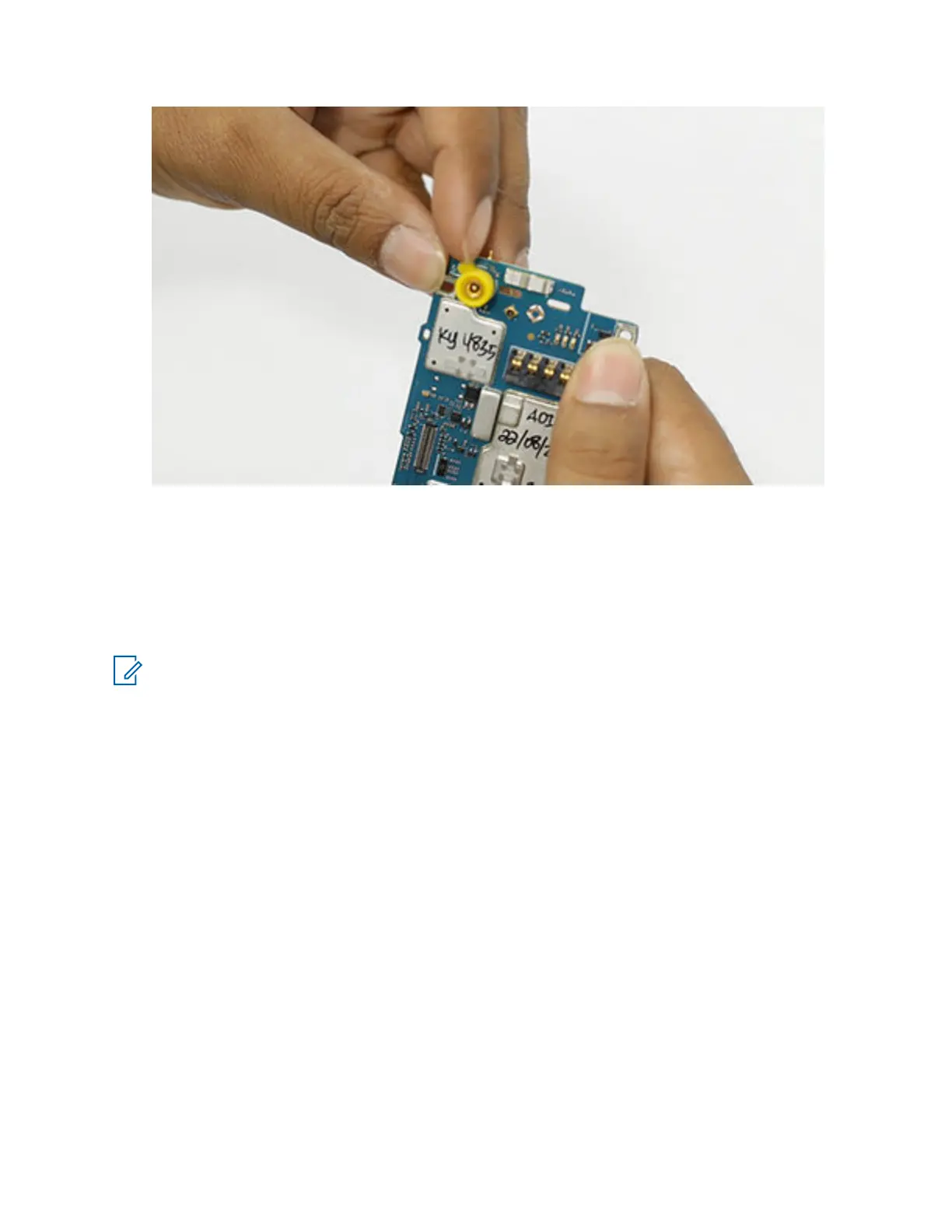
To view the video for installing VA connector seal, click Installing the VA connector seal
7.5.7
Installing the Coin Cell Battery
Prerequisites: Recommended tools:
• Plastic tweezers.
NOTE: Only for SECTRA model (PMUE5763_).
Procedure:
1 Carefully slot-in the coin cell battery to the coin cell holder, ensure it is secured and fully
snapped in place
MN006362A01-AL
Chapter 7 : Radio Disassembly and Reassembly
136





 To Next Page