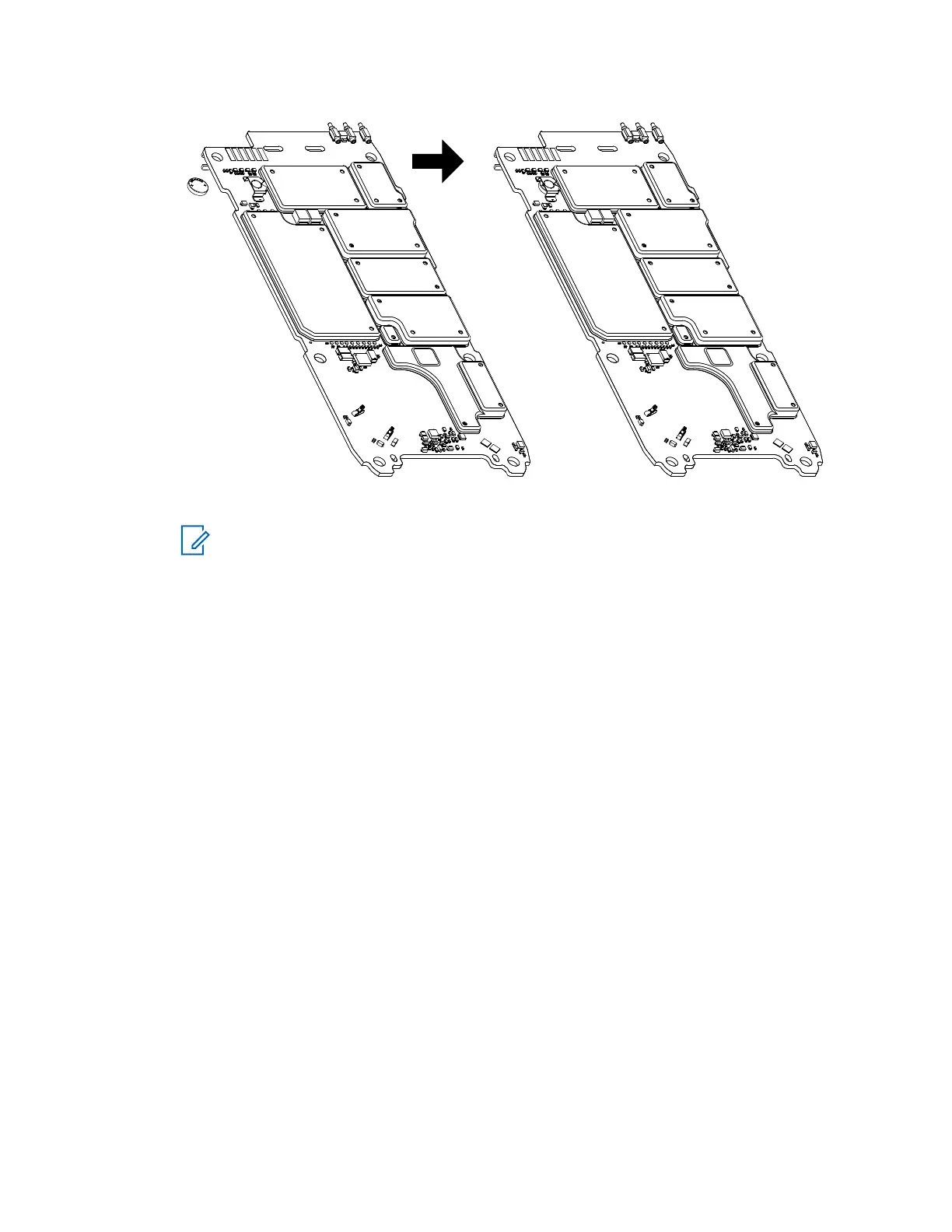
NOTE: Ensure the positive terminal (with "+" marked on top) is facing upwards. Ensure
coin cell holder is not dented or lifted-up during assembly.
7.5.8
Installing the Main PCB
Prerequisites: Recommended tools:
• T-6 Screw Bit
• Torx Driver
Procedure:
1 Carefully slide in the PCB. Ensure that the spring contact quantity and condition on the main
PCB and front housing are not deformed or bent.
MN006362A01-AL
Chapter 7 : Radio Disassembly and Reassembly
137





 To Next Page