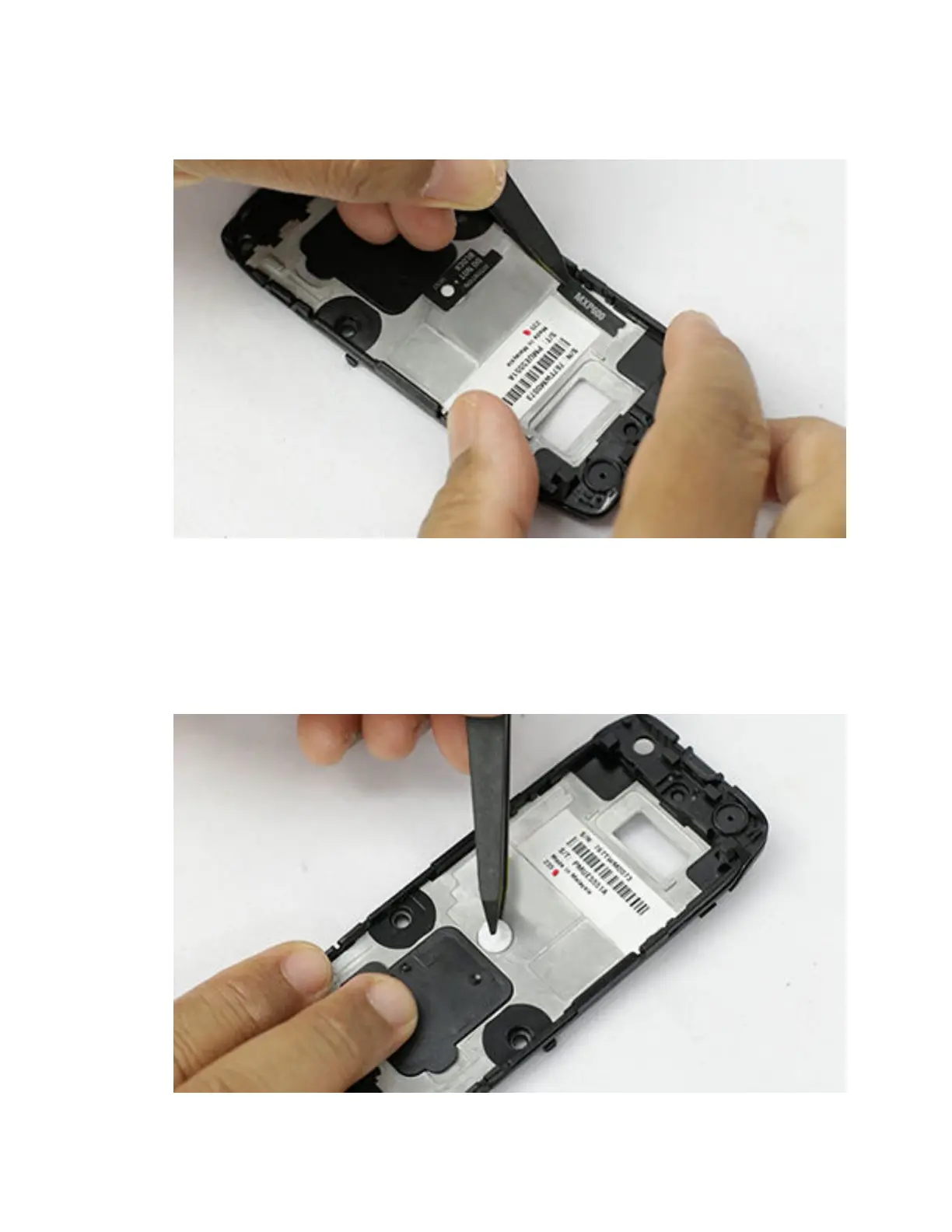
Procedure:
Assemble the model label by using tweezers to place it.
To view the video for installing model label, click Installing the model label
7.5.11
Installing the GORE
®
membrane
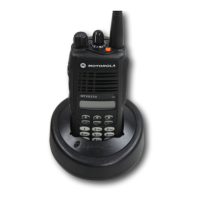
Procedure:
1 Press on the membrane to activate the GORE membrane adhesive.
2 Assemble the ventilation label. Ensure no contamination on the surface of the back kit.
MN006362A01-AL
Chapter 7 : Radio Disassembly and Reassembly
143





 To Next Page