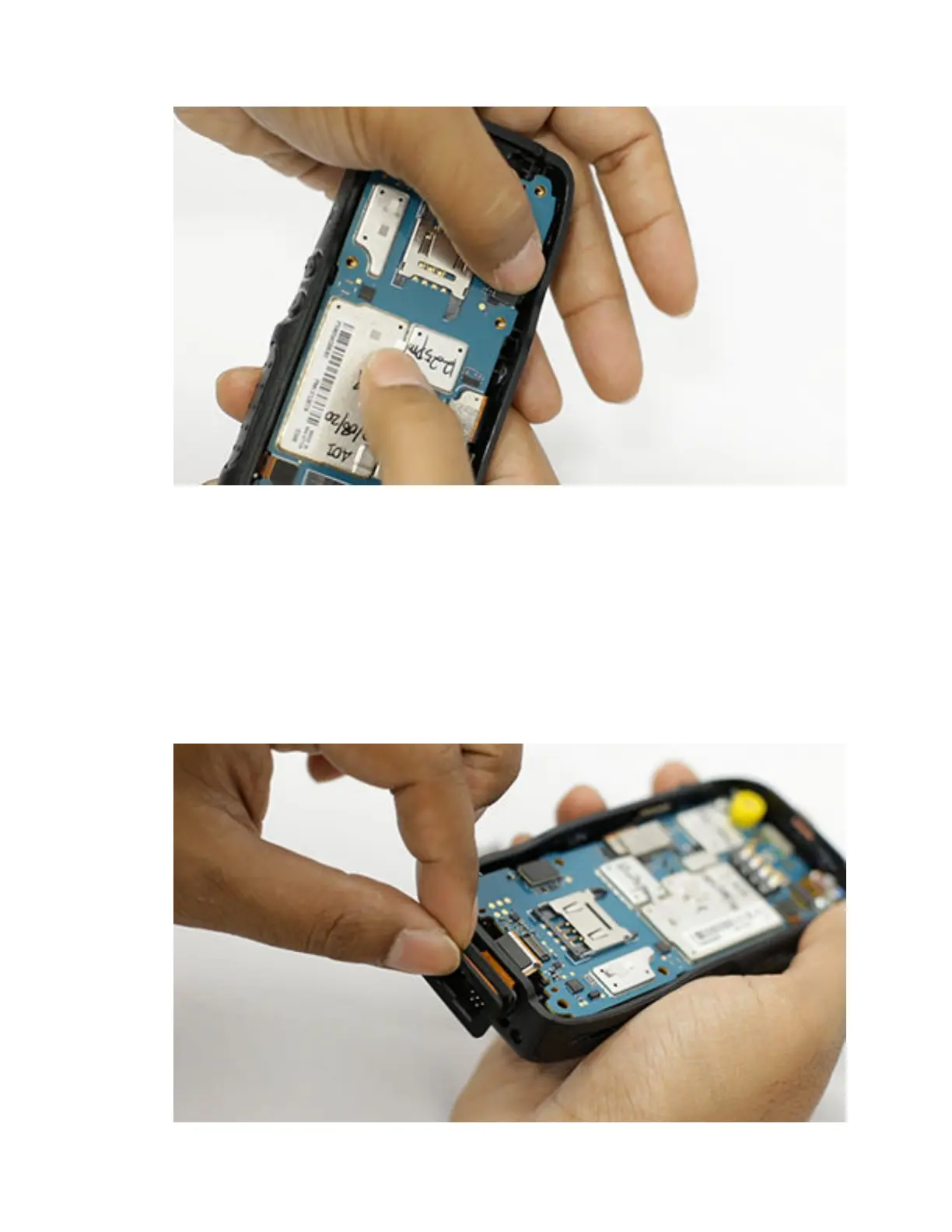
5 Using a Torx driver with the T-6 Screw bit, tighten the two screws.
To view the video for installing main PCB, click Installing the main PCB
7.5.9
Installing the Bottom Connector
Procedure:
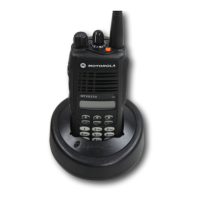
1 Install the bottom connector to the front housing. Ensure that the flex connector is always on top
and guide the flex connector through the housing gap.
Be careful not to damage the bottom connector and the keypad flex connectors during the
process.
MN006362A01-AL
Chapter 7 : Radio Disassembly and Reassembly
141






 To Next Page