Cleaning
Cleaning the machine
86 10.06.2014
¾ Clean the viewing window in the chamber lid with a soft cloth or
a soft brush.
¾ Close chamber lid and lock it in place.
¾ Clean the floor with a rubber wiper.
¾ Dispose of the dirty water and waste properly.
¾ Perform low pressure cleaning of the floor.
¾ Inspect the entire machine and the floor for dirt and cleanser resi-
dues.
¾ If necessary, clean and wipe off again.
WARNING
Burn hazard!
The surface of the vacuum pump can reach temperatures of over
70 °C during operation.
Touching the vacuum pump can lead to burns.
Before performing any work on the vacuum pump:
¾ Allow the vacuum pump to cool down.
¾ Wear personal protective equipment.
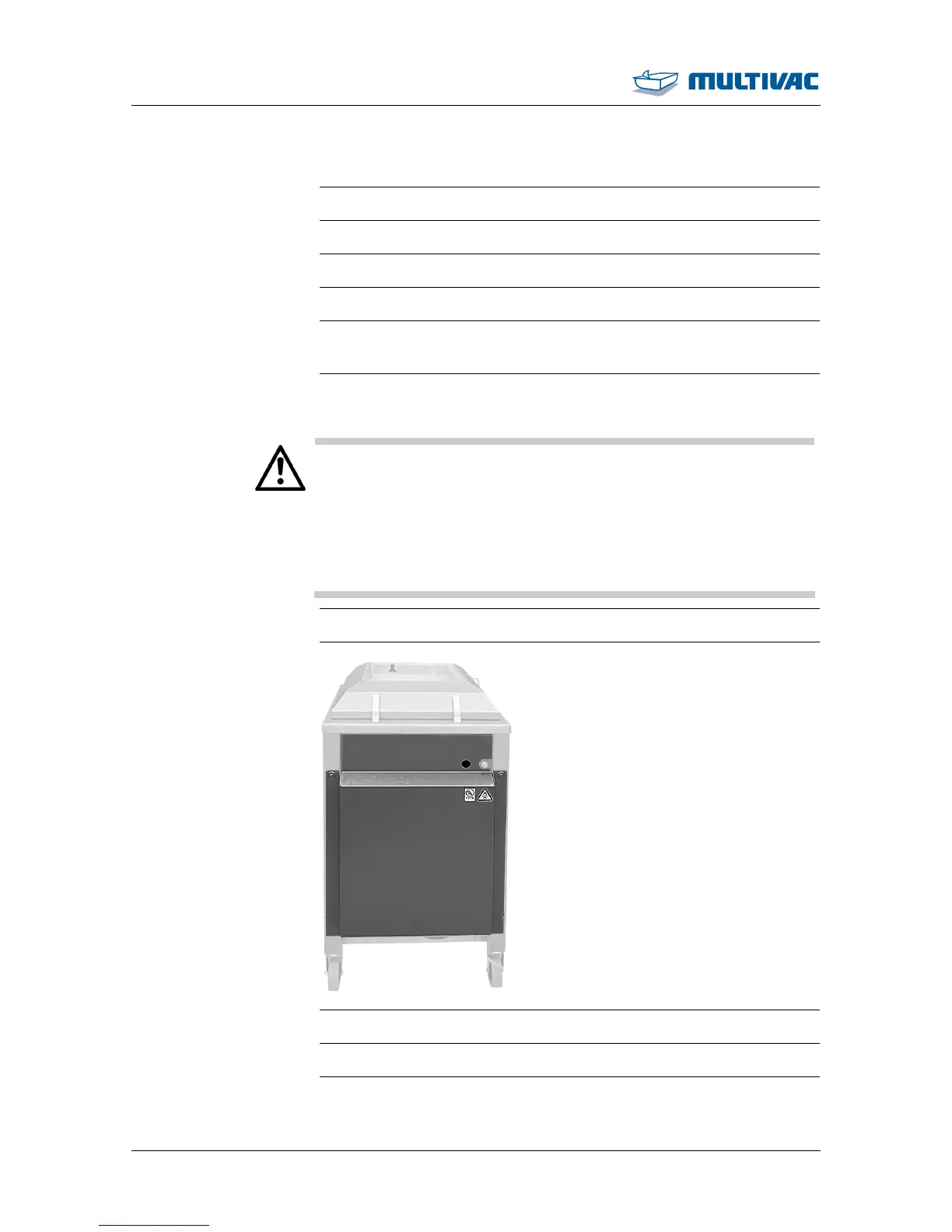
¾ Remove safety guard.
¾ Manually clean the inside of the safety guard.
¾ Manually clean the inside of the housing.
¾ Perform quick disinfection of the inside of the safety guard.



 To Next Page