124 Head cleaning
Steps for head cleaning
[1]
Check that the message on the left is displayed.
[2]
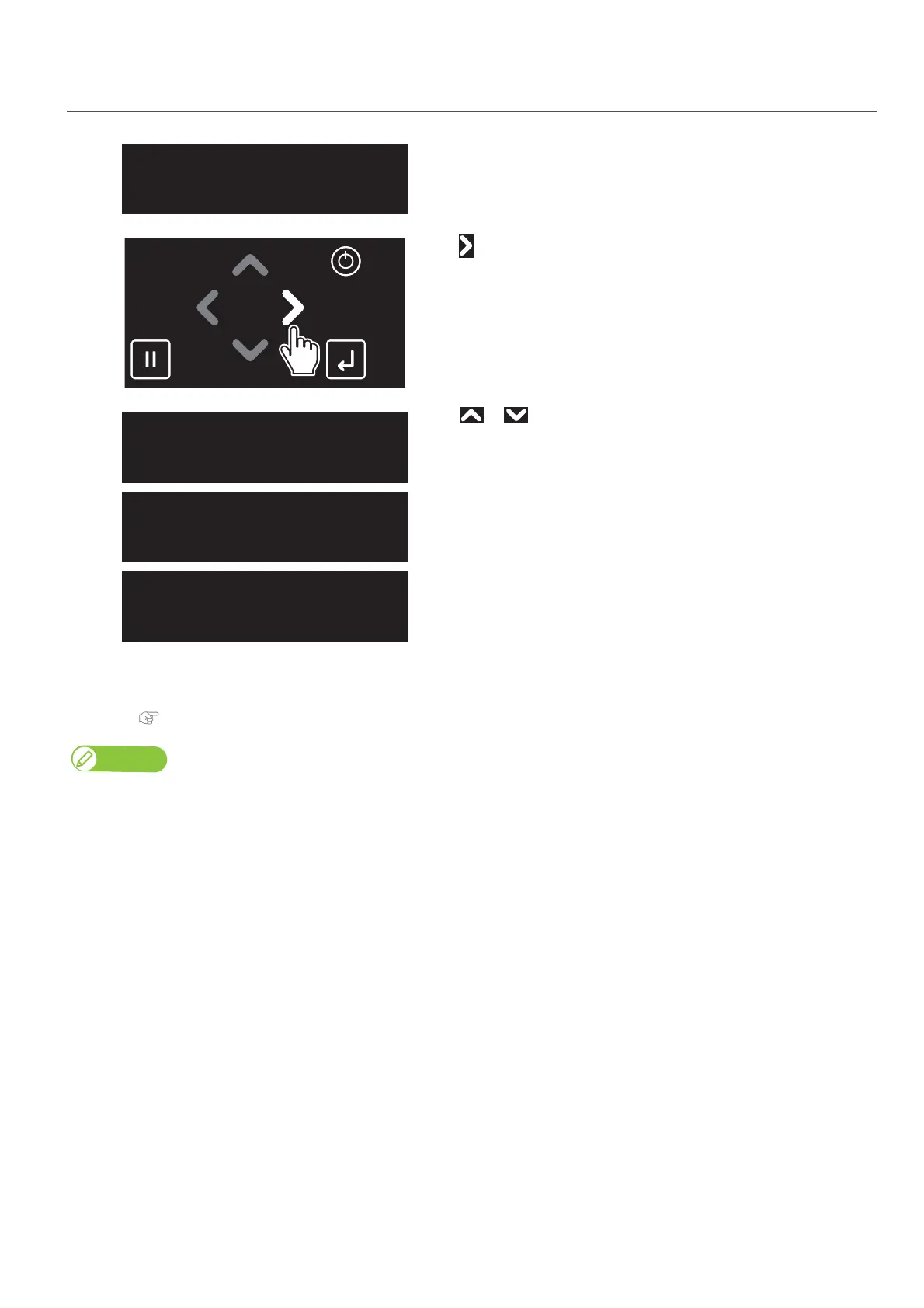
Tap .
[3]
Use or to choose the cleaning mode.
Tap [Enter].
• The printer will start cleaning.
[4]
Run a nozzle check print.
• If the problem persists, repeat normal cleaning until all nozzles are clear.
"Steps for head cleaning" P. 124
Note
• When nozzle clogging remains even after repeating “Normal cleaning” several times, conduct “Long cleaning”.
• When nozzle clogging remains even after repeating “Long cleaning” several times, conduct
"Clean daily maintenance parts" P. 125.
• If it does not help to recover the nozzle, carry out “LittleCharge” via the "Maitenance1: Cleaning" P. 90 in the Panel Setting Menus.
CleanPrintHead?
Short
CleanPrintHead?
Normal
CleanPrintHead?
Long














 To Next Page