Replacing absorption material for the flushing box 129
[3]
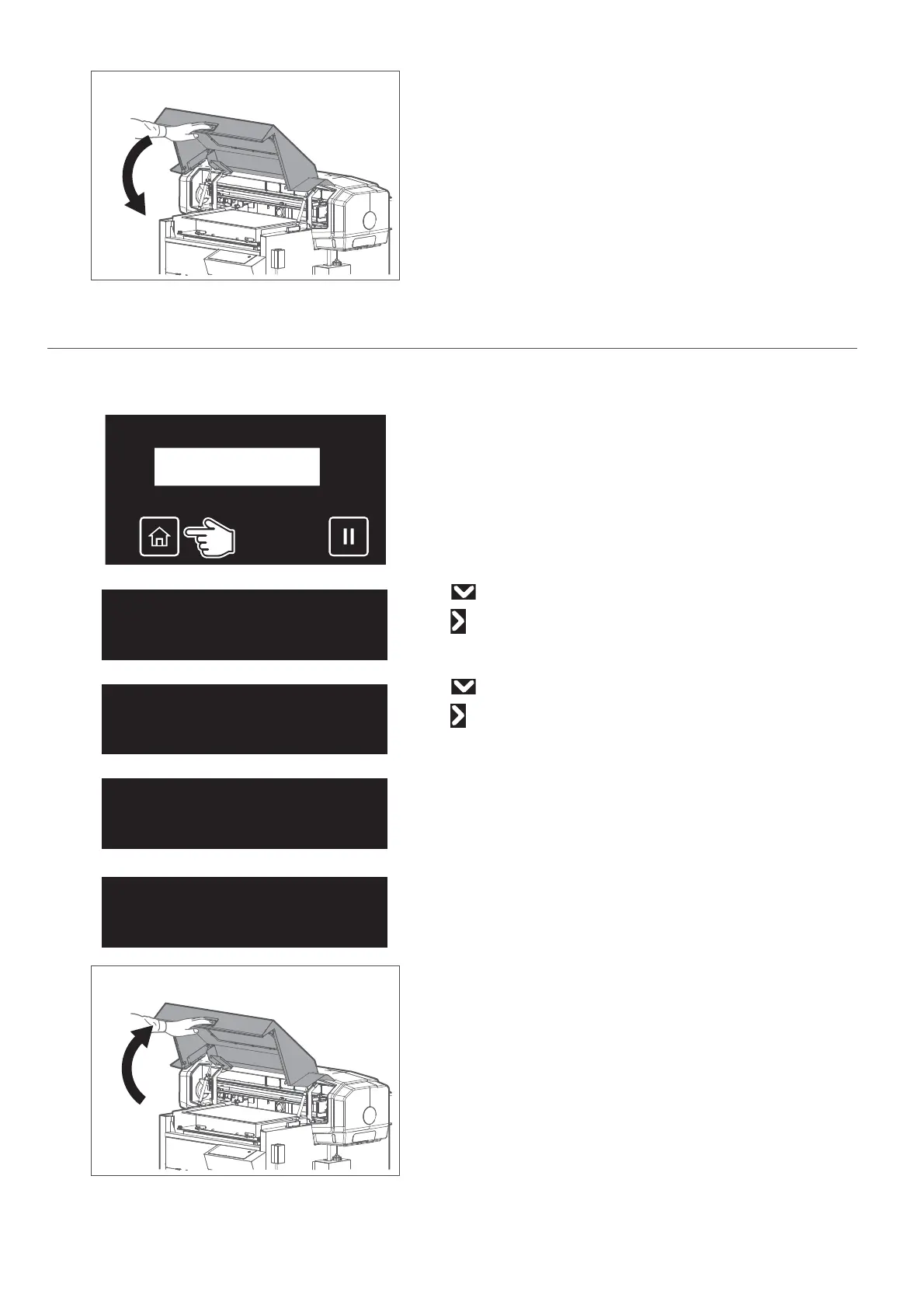
Hold the position shown on the left and gently close the cover.
2. Replacing steps
[1]
Check that the media and jig are removed from the printer.
[2]
Tap [Home].
[3]
• Use to choose the menu shown left.
•Tap .
[4]
• Use to choose the menu shown left.
•Tap .
[5]
Tap [Enter].
• The carriage will move to the left side of the printer.
• The cleaning wiper will move upward.
The message on the left will appear.
[6]
Hold the handle on the front cover to gently open it.
Maintenance3
CRMaintenance
CRMaintenance
Start ー> Enter
CRMaintenance
End ー> Enter














 To Next Page