50 Checking the printing area
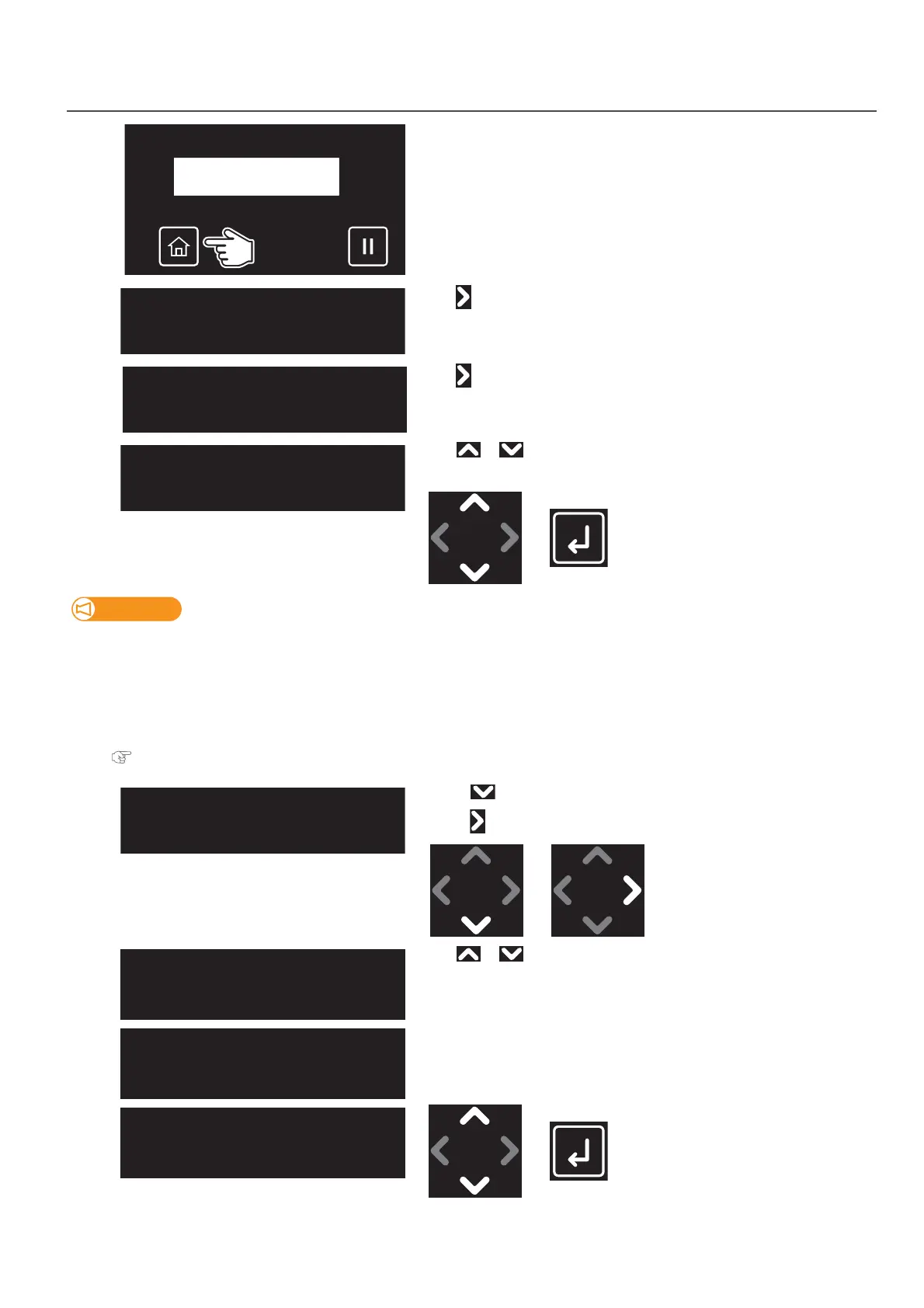
1. Setting “Show Edges” function
[1]
Tap [Home].
[2]
Tap .
[3]
Tap .
[4]
Use or to select the user type.
•Tap [Enter].
Important!
If you have changed the user type to another type, all settings that can be changed by user type settings change to the settings of
the selected user type.
• When the “media setting” for the user type settings have been changed, the settings for the “media size” and “origin
position” are changed to the settings of the selected user type. Therefore, be careful with the print start position. Images
might be printed at the position that was not intended or outside the media.
• You can change the settings for the “media setting” from the Panel Setting menu.
"**>5: MediaSetting" P. 71
[5]
• Use to choose the menu shown left.
•Tap .
[6]
Use or key to select the setting.
• Off: LED pointer does not show the printing area. This is the default setting.
• Step: LED pointer shows where the image will be printed on the media
and the printer will ask you at each point of corner if the position is OK.
• Auto: LED pointer shows where the image will be printed on the media
without checking with the user.
•Tap [Enter].
**:ShowEdges:
Off
**:ShowEdges:
Step
**:ShowEdges:
Auto














 To Next Page