68 Set1: User Type
PF 1. Initial Print
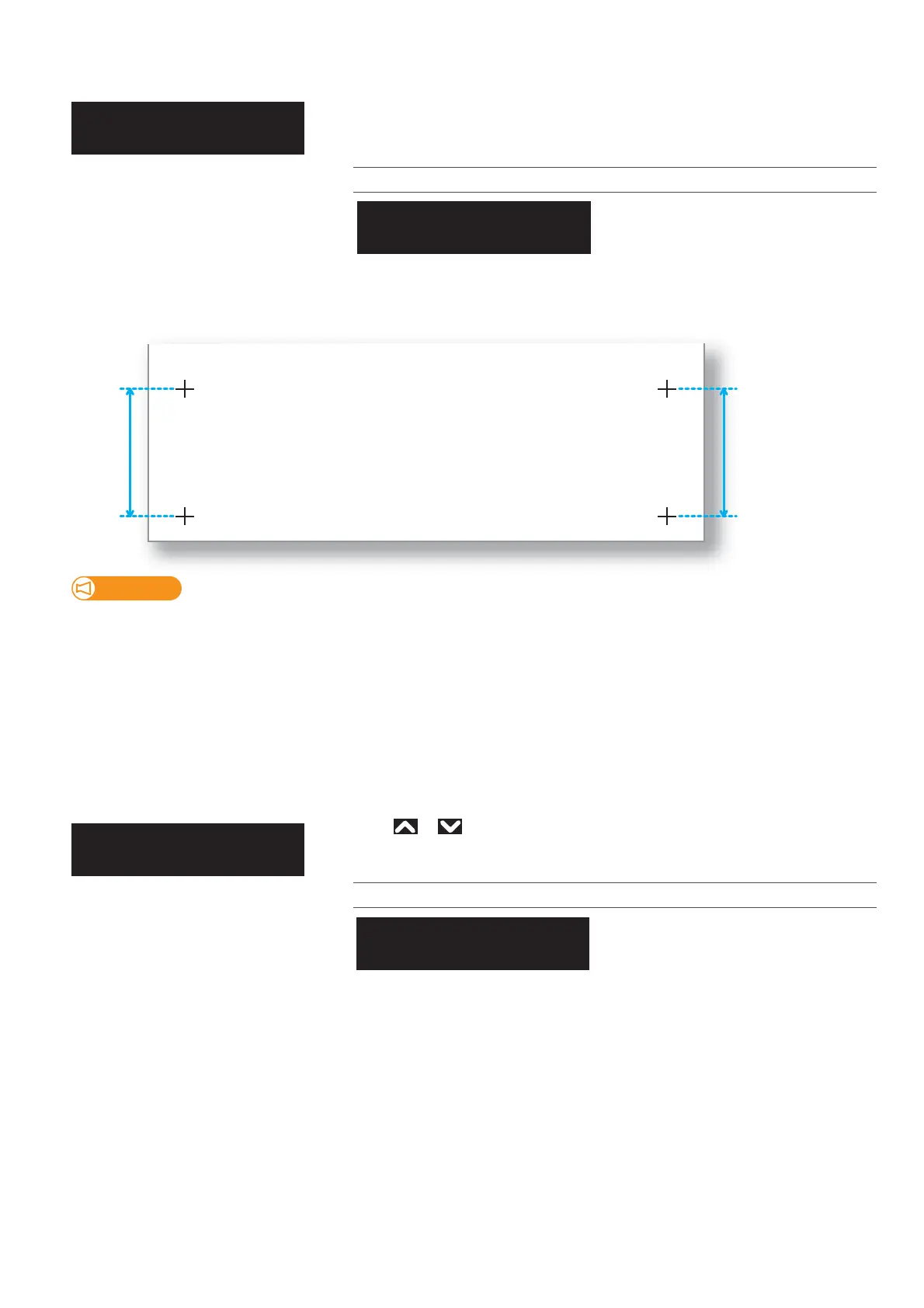
• With a ruler, measure the length between “+” in the pattern.
• In the example below, the measured place is shown in blue dotted lines and arrows (the blue parts are not actually printed).
PF2. Initial Change
Performs initial adjust print. Enter the “FeedLength”, and tap [Enter].
Print a “+” mark at the beginning, feed the media according to the setting value,
and print another “+” mark.
Setting values
100 mm to <250 mm> to 300 mm
<> indicates the default setting.
• The maximum setting value for the feed length will vary depending on the settings for “MediaSetting”, “Size” and “Length” in
the User Type. (The same applies to “Confirm Print”.)
• Some media lengths cannot be used.
For example, if a media has a length of 100 mm or below, “Media size error: Length” will appear on the panel and printing will
not be carried out.
Use or to enter the adjustment value, and tap [Enter].
Setting values
<Initial Print menu setting value>
±10.0mm
<> indicates the default setting.
**:PFAdjust1
InitialPrint
**:InitialPrint
FeedLength: 250mm
**:PFAdjust2
InitialChange
**:InitialChange
Init.: 250mm/250mm














 To Next Page