Introduction/Features 43
If an object is in the red zone of the image, STOP backing up
the vehicle until the pathway is clear.
REASON: Objects closer than the red zone to the vehicle
may not be in the camera coverage area and a collision
could result.
Night Time Use
When the Backup Camera is used at night or in dark areas, the
camera relies on reverse lamp lights to provide enough light to
produce an image.
If either of the reverse lights are not working, DO NOT use
the camera until both lamps are functioning.
REASON: There will not be enough light to produce an
image at night or dark areas, which will render the Backup
Camera ineffective.
Maintenance and Service
If the image on your display is not clear, check to make sure
nothing like dirt or mud is covering the lens. If you do need to
clean the lens, use a soft cloth and a non-abrasive cleaner.
If you do not get an image while in reverse, or the image stays
on after you have shifted out of reverse, have the Backup
Camera checked at an authorized MV-1 service center.
AUDIO SYSTEM
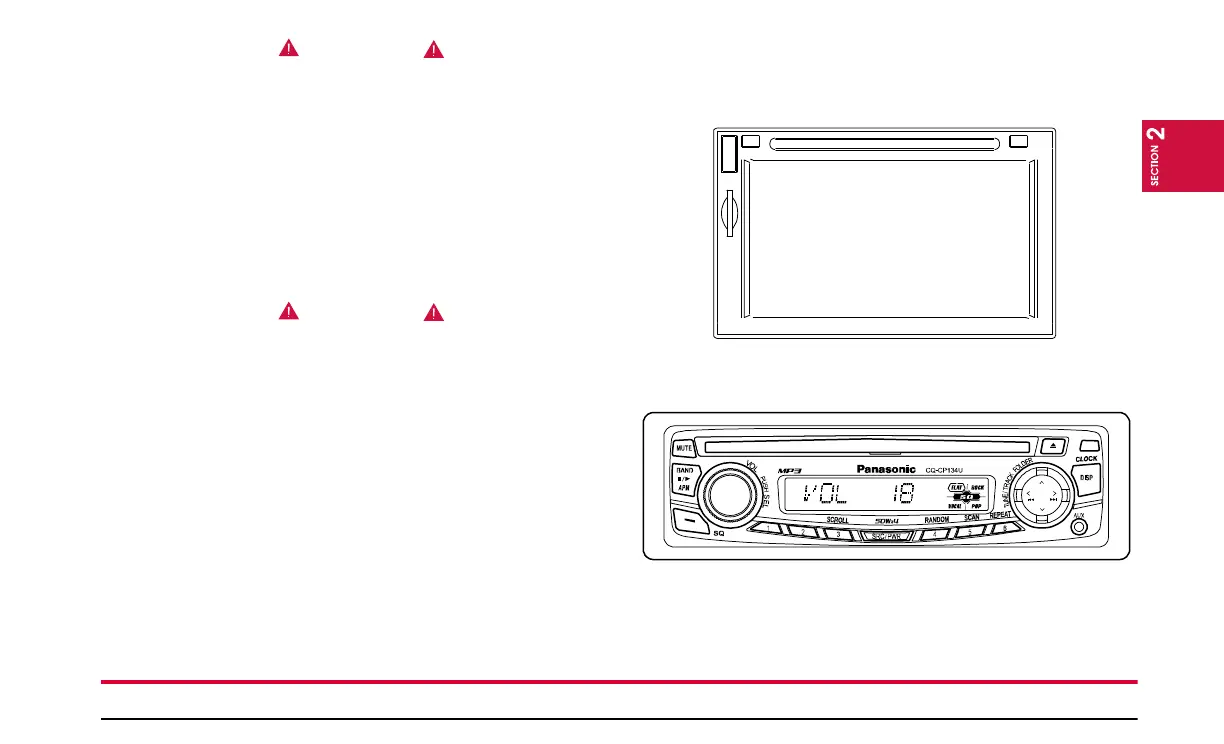
Your MV-1 may be equipped with one of two audio systems:
The Pana-Pacific® Touch Screen Audio System
or the Panasonic® MP3 CD Player/Receiver.
Refer to the user’s guide supplied by the manufacturer of your sys-
tem for operating instructions.


 To Next Page