64 Vehicle Controls
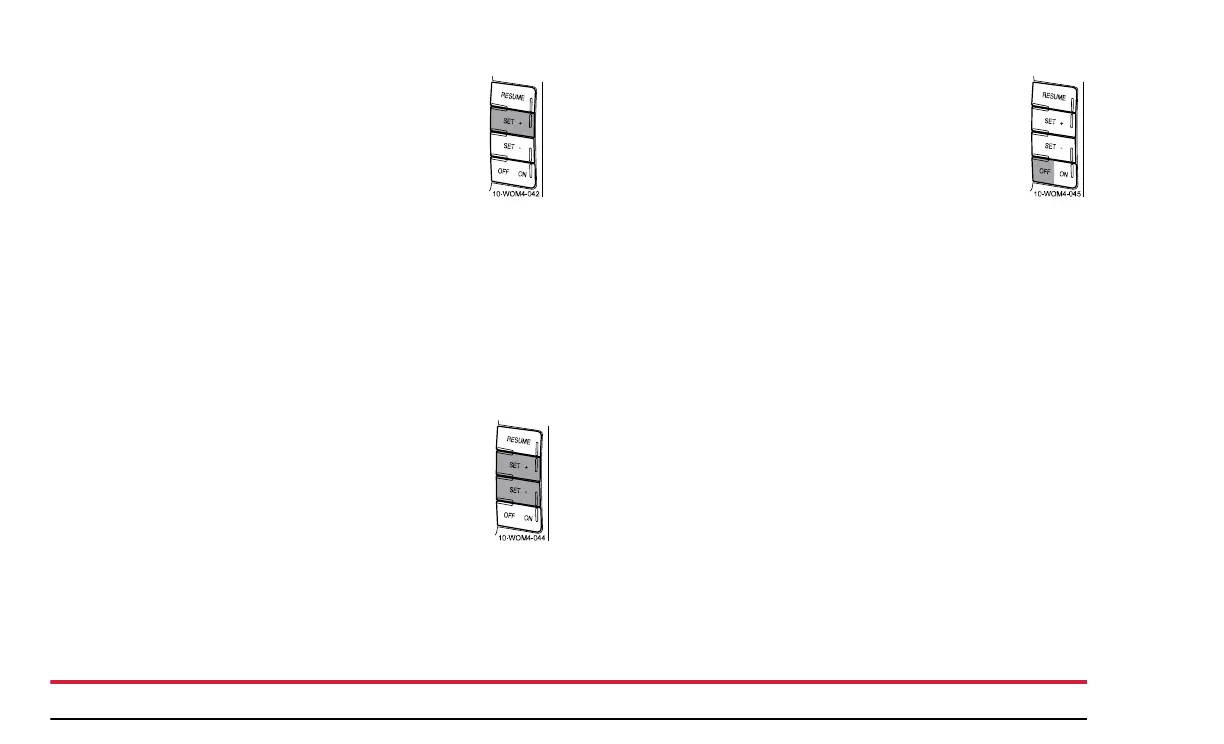
Increasing Speed while using Speed Control
There are two ways to set a higher speed:
• Press and hold the SET + control until you get to
the desired speed, then release the control. You
can also use the SET + control to increase the
speed incrementally. When you press and
release the SET + control, the set speed will
increase by 1 mph (1.6 km/h).
• Use the accelerator pedal to obtain the desired speed. When
the vehicle reaches that speed, press and release the SET +
control.
Reducing Speed while using Speed Control
There are two ways to reduce a set speed:
• Press and hold the SET - control until you get to
the desired speed, then release the control. You
can also use the SET - control to decrease the
speed incrementally. Press and release the SET -
control and the vehicle set speed will decrease by
1 mph (1.6 km/h).
• Depress the brake pedal until the desired vehicle speed is
reached and press the SET + control.
Turning Off Speed Control
There are two ways to turn off the speed control:
• Depress the brake pedal. This will not erase your
vehicle’s previously set speed.
• Press the speed control OFF control.
NOTE:
When you turn off the speed control or the ignition,
your speed control set speed memory is erased.


 To Next Page