Quick Start
15
These buttons have two modes:
⇒ Long tap the button to open a context menu.
⇒ Short tap the button to change settings only.
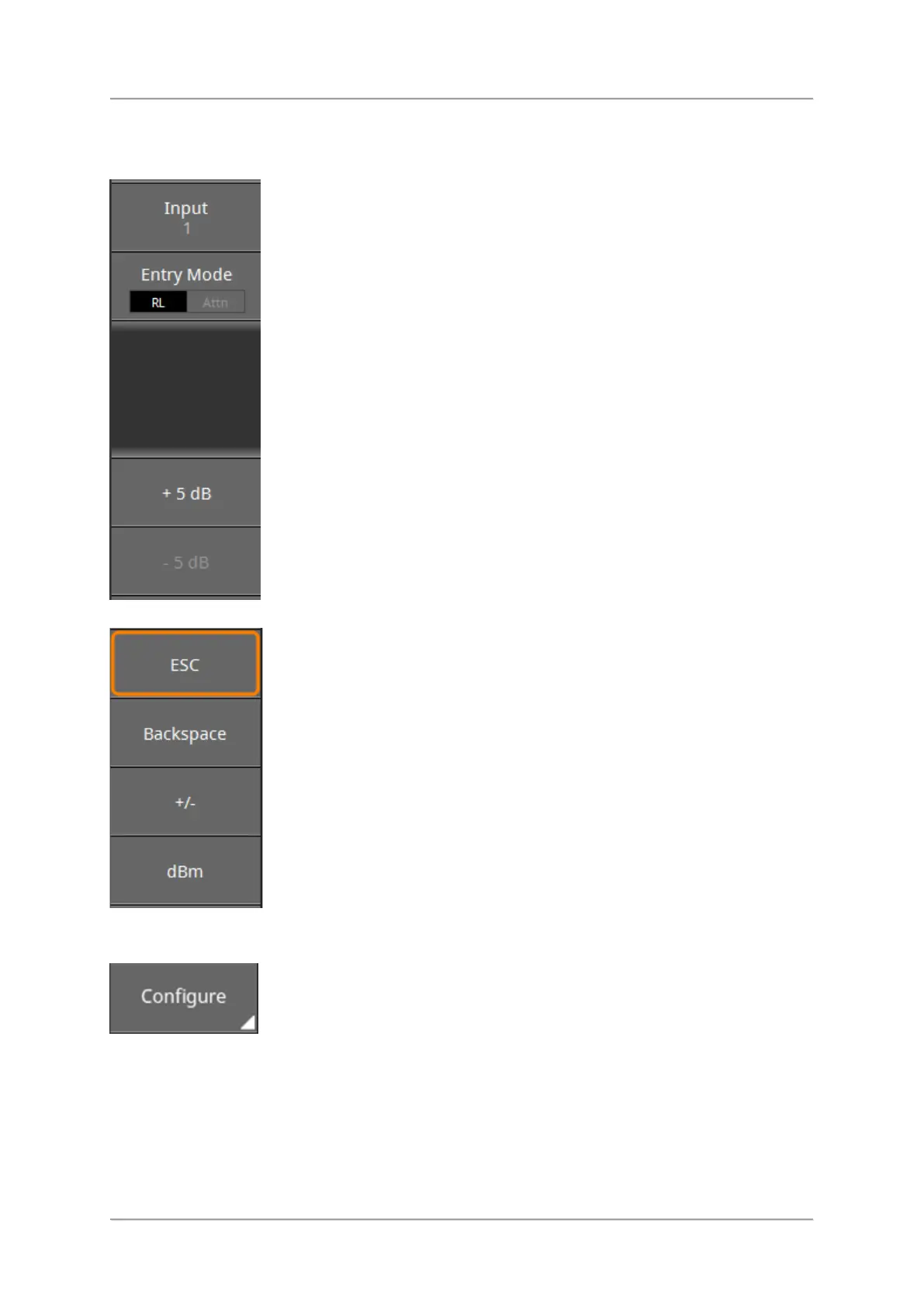
Buttons with a filled triangle (e.g. Configure)
These buttons show a submenu when tapped. Some buttons even may have several
submenus.
⇒ To close the submenus, tap the header of the Button bar or press the Esc key until Main
is displayed.



 To Next Page