85
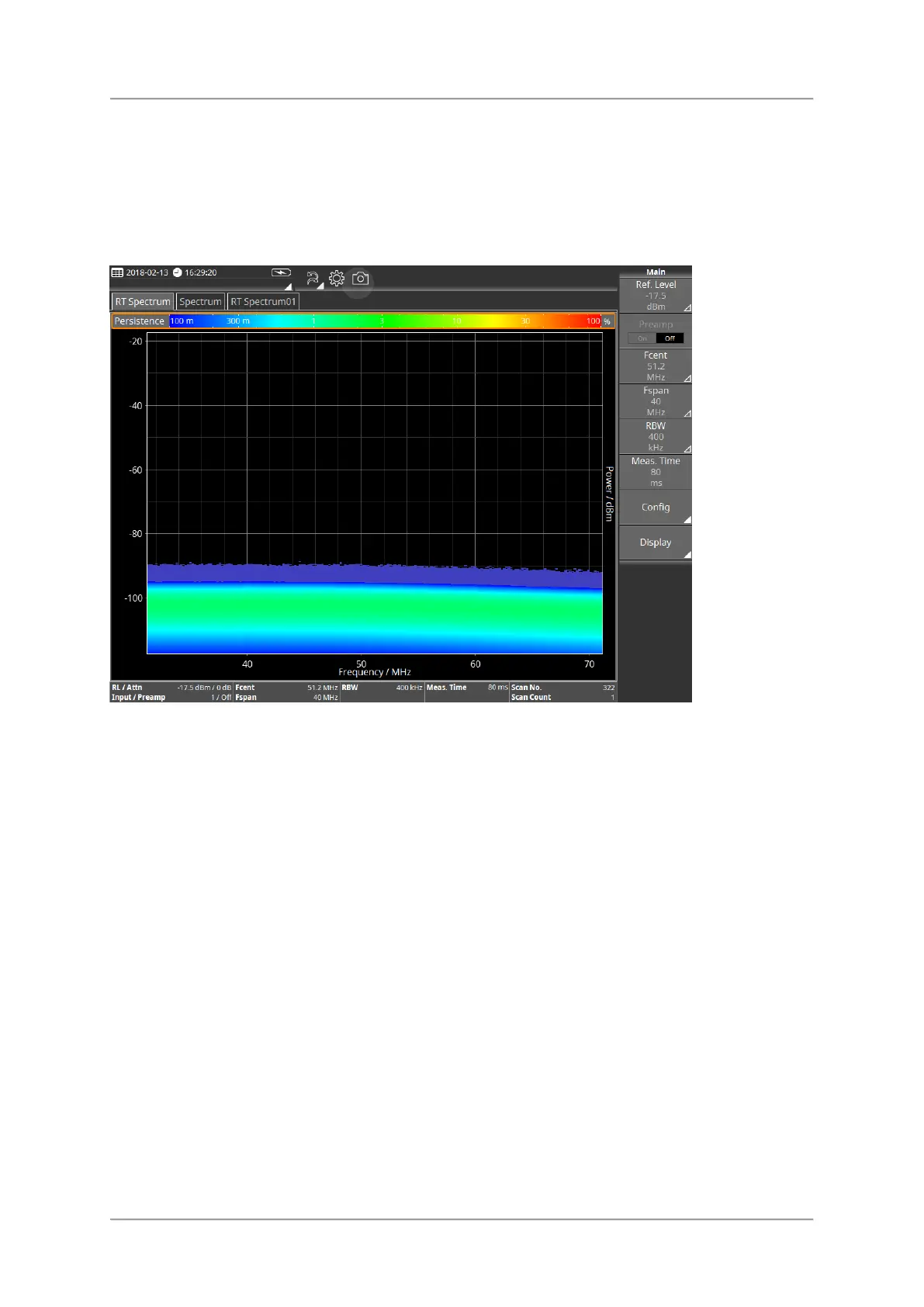
Persistence View
The Persistence View displays the signal level over time using a color spectrum. The colors
from blue to green to red indicate the frequency of the occurrence, whereby blue is the
lowest and red the most frequent value.
Available buttons
For information about the different types of buttons and how to select them see Button bar.
⇒ Tap a button to change setting or to open the submenu.
Ref. Level / Attenuator
Fcent/Fspan, Fstart/Fstop
RBW / EBW
Meas. Time
Config
Display



 To Next Page