SignalShark User Manual
60
Marker 1 always shows highest peak.
Only frequencies higher than 4 x RBW are evaluated.
Low frequencies, DC portion, and mirror frequencies
Peak Excursion determines what is considered a
peak in contrast to noise.
• Lower Frequency: Set lower frequency limit
•
Upper Frequency: Set upper frequency limit
• Threshold: Set the lower power level
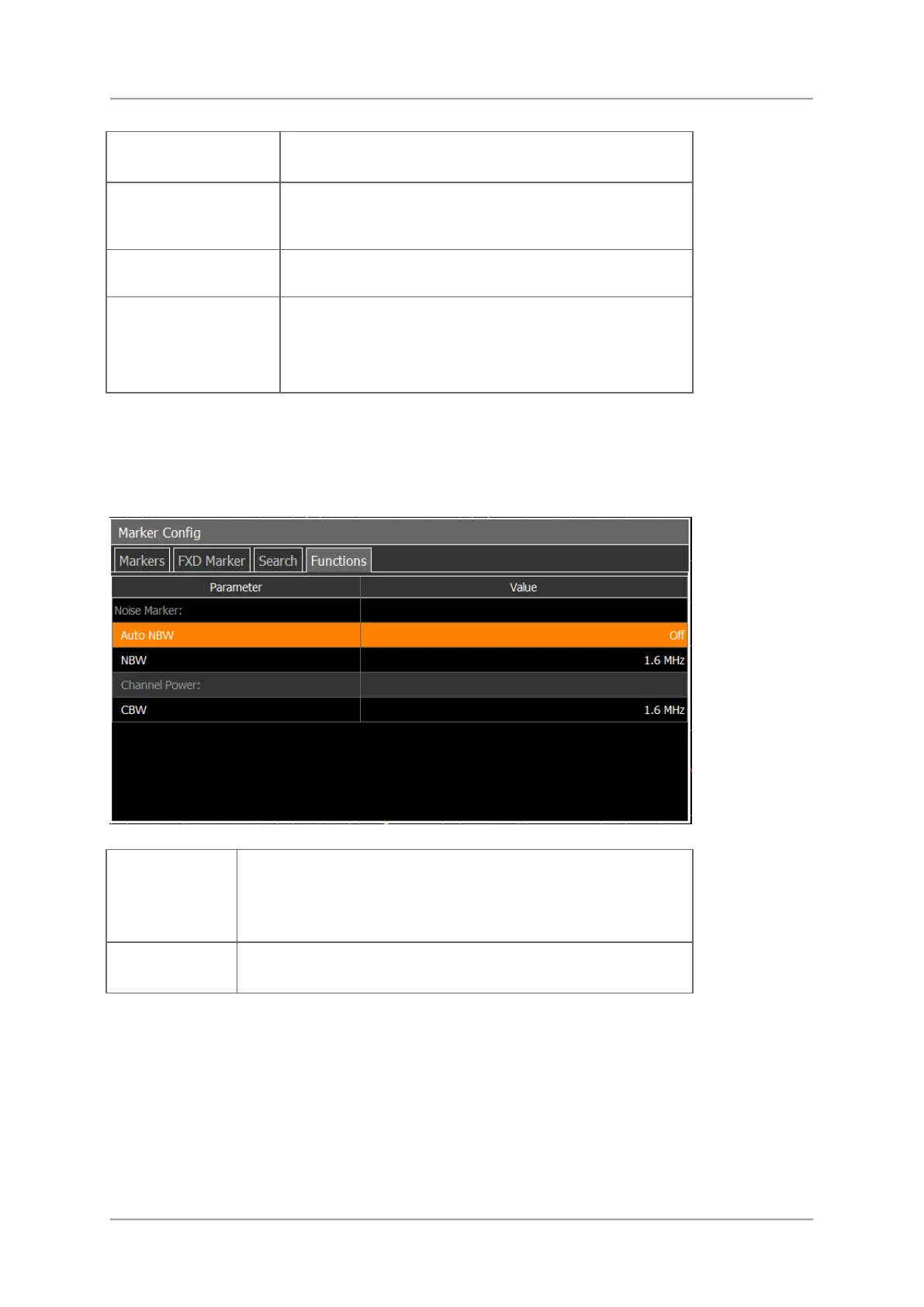
Functions
The Functions menu allows to specify a function. This function can then be assigned to a
marker. Additional functions will be provided with upcoming firmware updates.
Setting the noise marker parameters:
• Auto NBW: Switching automatic noise bandwidth On /
Off.
• NBW: Setting the noise bandwidth.
Setting the channel power parameter:
•
CBW: Setting the channel bandwidth.



 To Next Page