SignalShark User Manual
34
Connecting cables and antennas from other
manufacturers
In contrast with the use of Narda components, automatic detection of the cable or antenna
connected does not work if you use third party products (commercially available cables or
antennas).
For this reason, the cable loss is not taken into account automatically when other cables are
used, and the results are not shown automatically in units of field strength if other antennas
are used.
When using other components, you will need to enter the data for the cable and antenna
into the SignalShark manually.
Connecting cables and antennas directly to the device
The configuration data for the components have been uploaded and selected.
⇒ Connect the component(s) to the RF input of the SignalShark.
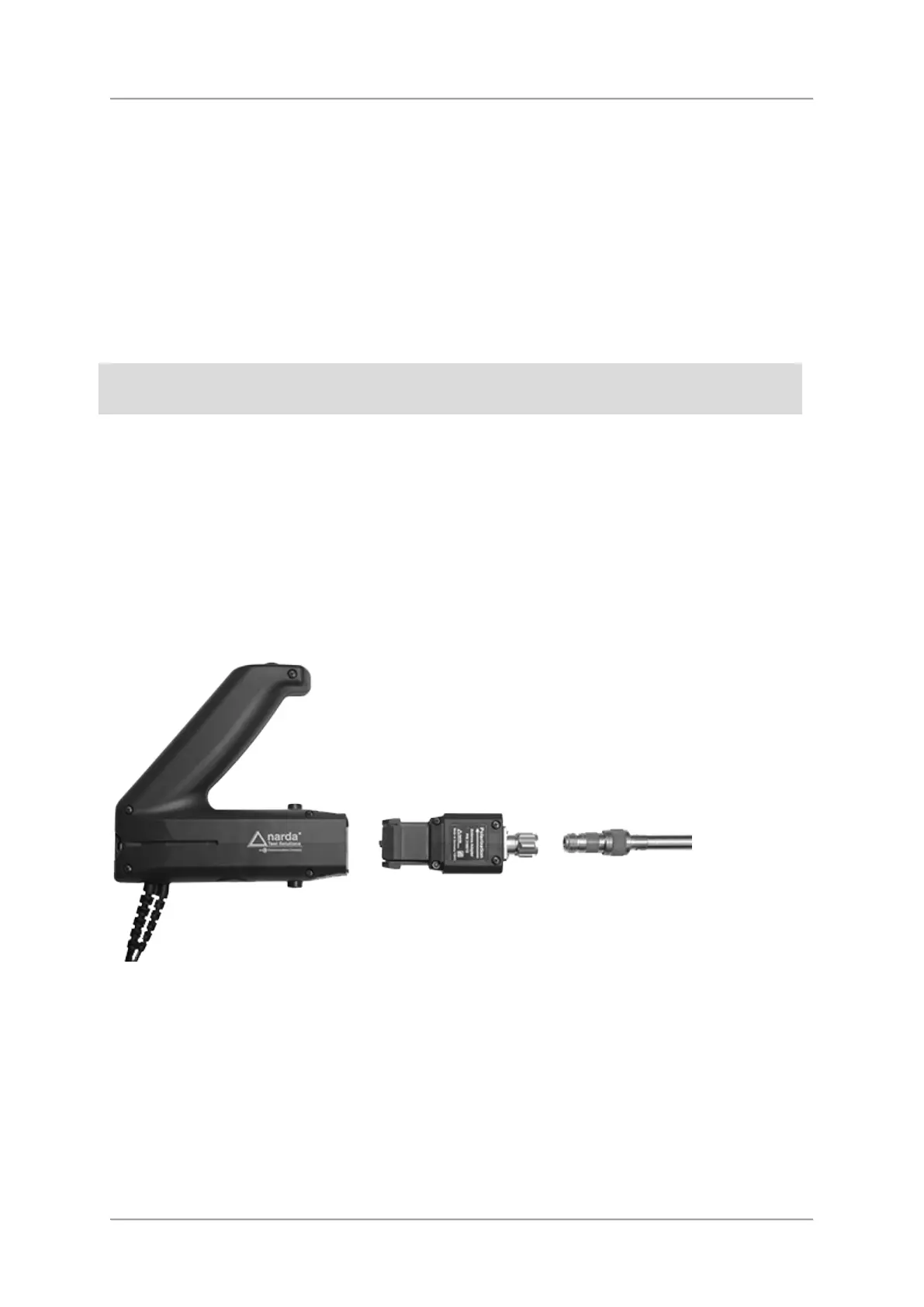
Connecting third party antennas to the handle
Antennas fitted with a N-connector can also be used as directional antennas with the Narda
handle by means of the Antenna Adapter 3100/15.



 To Next Page