SignalShark User Manual
42
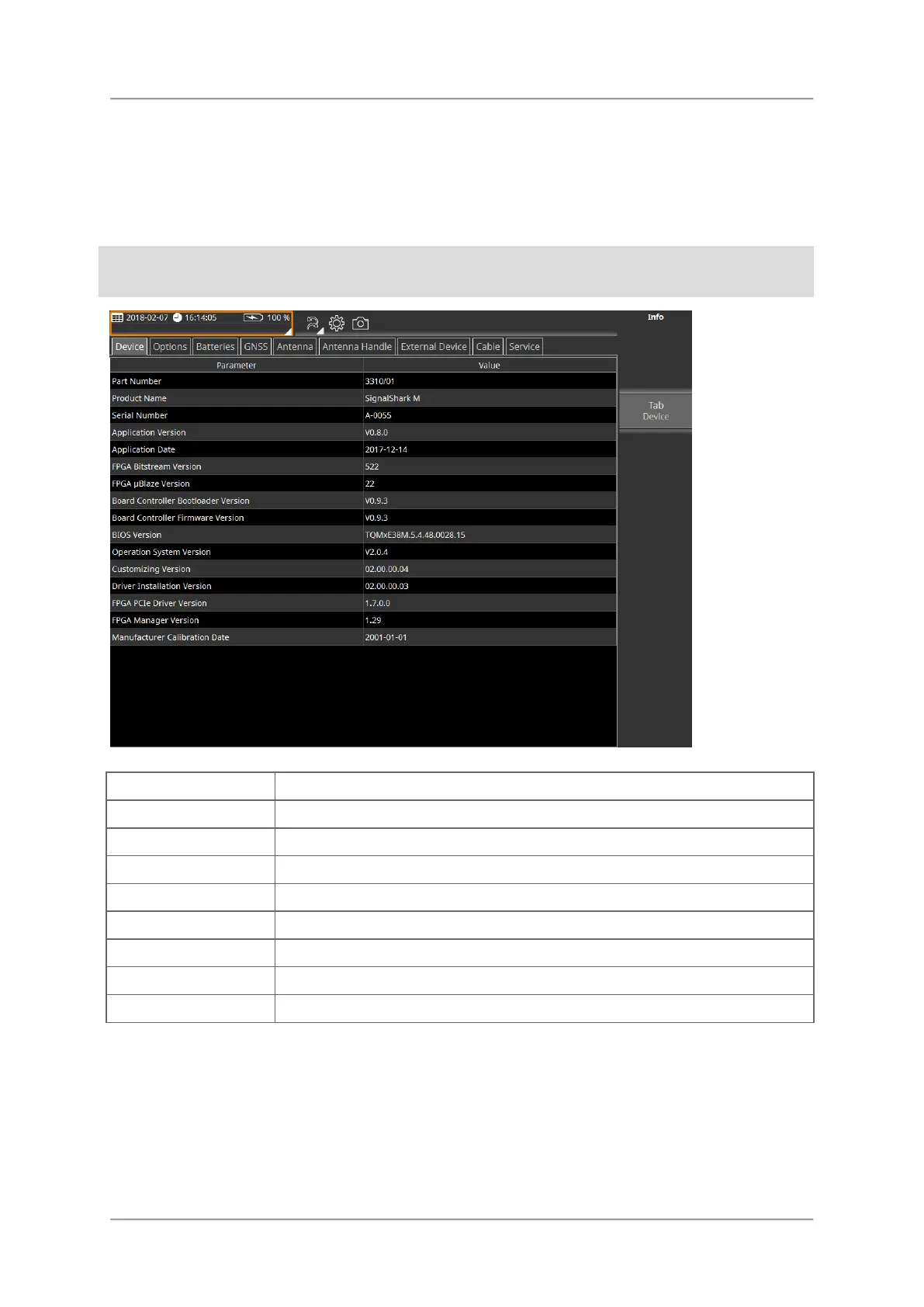
Displaying detailed system information
⇒ In the display header tap the dropdown icon of the system information area to open the
system information menu.
In the system information menu, the current settings can be viewed only.
To change settings, see Changing general settings.
Information about the SignalShark firmware
Overview of installed options
Information about the condition of each battery
Data of currently connected/selected antenna
Information about the connected antenna handle
Currently connected/selected external device
Currently connected/selected cable
Information about some device hardware operation conditions
To close a menu or view:
⇒ Press the Esc key or tap the header of the Button bar.



 To Next Page