Using Markers
59
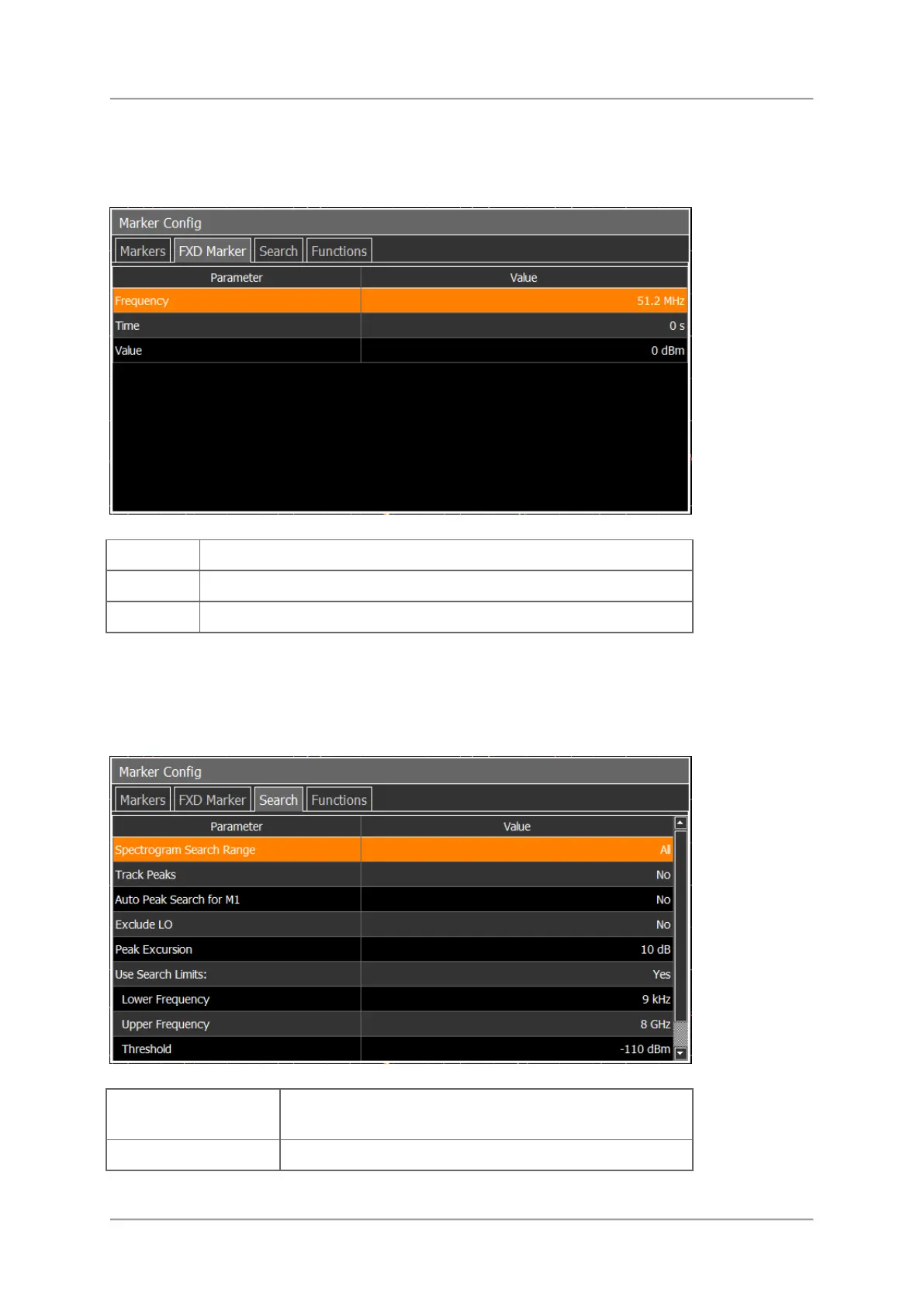
FXD Marker
The FXD Marker menu allows to set a marker to a fixed frequency, time, or value.
Enter a frequency as marker position.
Enter a time as marker position.
Enter an absolute power level as marker position.
Search
The Search menu allows to set various parameters for setting markers to a peak, e.g. when
tapping the Next Peak button.
All / Visible: Select to search all data or just the
visible data.
Marker is fixed to a peak even if the frequency varies.



 To Next Page